
The first design I ever sold was a 1080×1350 carousel built in Canva Free while I was still scheduling shifts at a retail store in Tucson, Arizona. It took me 60 minutes to get to slide one. I earned $0 for five weeks.
Eighteen months later, in October 2026, my Canva-based business billed $19,000 in a single month. I had no design training. My monthly cost was $15, which is Canva Pro at $180 a year divided by 12.
This list ranks the ten workflows that got me there by what they actually paid, with the weekly hours and the week the first payment landed for each.
One of them earned exactly $0, and I kept it on the list so you don't copy it.
The figures in this article are one illustrative example, not typical results.
Ranked by what each workflow pays
First paid client work
These five hacks built the first recurring client base between weeks 6 and 12. They are the ones I would run again in the same order if I started over with no clients.
None of them required a paid Canva plan at the start. The Free account's 20 shared AI uses a month were enough to generate the first carousels I sold.
1. Canva AI 2.0 briefs become editable carousels
Prompt to copy
You are a social designer writing a five-slide Instagram carousel for a small business. Audience: [who buys]. Offer: [what they sell]. Proof points: [three facts]. Write slide copy only: one headline line of eight words or less per slide, one body line of 25 words or less, and a note on what image each slide needs. Plain tone, no exclamation marks, no claims I have not given you.
I pasted that at the top of a Canva AI 2.0 chat in week 2, with the client's audience, their offer and three proof points filled in from a brief call.
It came back in about 40 seconds as five layered slides I could click into and edit, not flat pictures.
In weeks 1 through 5 I earned $0 and lost 60 minutes on a 1080×1350 set before slide one existed. One generation covers a whole carousel: Free gives 20 AI uses a month, Pro 200, so I generate once and set type by hand.
Check names, claims and brand colors before it ships; Canva AI 2.0 reached only the first million people who found it on its homepage, and Enterprise has no access.
That carousel was my first paid job: week 6, $2,000 a month, 4 hours a week, for a set the client could edit themselves.
💡 Tip: Type the brief into a plain text file first. The AI answer is fast; your brief is the part that decides whether the output is usable.
| Hack | Weekly hours | First paid week | Monthly income | Cost basis | Status |
|---|---|---|---|---|---|
| Canva AI 2.0 briefs to carousels | 4 | 6 | $2,000 | $15 Pro share | Keep |
| Safe-zone overlays | 2 | 8 | $800 | $15 Pro share | Keep |
| MCP chat edits | 1 | 9 | $1,500 | $0 (Free MCP) | Keep |
| Brand Kit lockdown retainers | 7 | 10 | $4,600 | $15 Pro share | Keep |
| Scheduling as retainer | 4 | 12 | $2,800 | $15 Pro share | Keep |
| Canva Brush refreshes | 3 | 16 | $1,900 | $15 Pro share | Keep |
| Free Affinity brand-kit upsells | 2 | 18 | $1,500 | $0 Affinity | Keep |
| Living-memory refresh retainers | 5 | 20 | $2,700 | $15 Pro share | Keep |
| Canva Craft image packs | 1 | 7 | $0 | $0 extra | Dropped week 8 |
| Canva Offline edit sprints | 2 | 14 | $1,200 | $15 Pro share | Keep |
2. Safe-zone overlays save vertical video from app buttons
Two hours a week and $800 a month came from a page with shaded margins. A client posted the carousel as a vertical story, and the closing line sat under the caption bar while the top line disappeared behind the app's own buttons.
Canva draws no social margins for you, so anything typed near a 9:16 edge is betting on where the app puts its buttons that week. A design the client can reopen and edit still fails here, because the buttons are outside my file.
I built a 9:16 page with shaded strips down the top, bottom and both sides, saved it as a reusable page, and slid every text block into the clear middle.
That was 20 minutes of small hand edits. It is the rare fix I would not hand to AI, because the margin positions are a measurement, not a draft.
Ledger line: 2 h/wk, first paid week 8, $800/mo, plus one-time cleanups for clients whose text had already been buried after posting. The overlay opens on every vertical I make now, and the cleanup sells to anyone whose lines are already lost.
Handing design work to AI vs. keeping the check
Hand it to AI all the way
- No check on brand colors or claims
- Text near the edge goes out as-is
- Client edits break because layers got flattened
- You find the mistake in a client email
Keep the review in your hands
- Open every slide and read the copy
- Run the safe-zone overlay once per file
- Confirm each text block is still editable
- Send a preview before anything posts
3. MCP chat edits pay only with a sanitized brief
Yes, once the instructions going in are scrubbed.
Canva has a connector that lets an assistant search, generate, edit and export designs from a chat. That's the MCP connector, explained as MCP simplifying integrations: a link between an AI chat and a tool it can act on.
It needs no paid Canva plan, but it reads from Slack, Gmail, Zoom, Notion and the Google apps and cannot write back to them. Canva AI 2.0 and the connectors are not on Enterprise.
Never paste client passwords, private analytics or unreleased assets into that chat. My brief carried three things only: the design's name, the exact copy, the export format. Then I opened the result in Canva.
One hour a week, first paid week 9, $1,500 a month, because the review stayed mine. The chat does the swapping; I bill for the check before it reaches a client.
💡 Tip: Make a small text file called "design-brief.txt" with three lines: design name, exact copy, export format. Paste that into the chat and nothing else.
🌱 GROWING TIP
Change one thing at a time
When you test Canva AI on a real client file, duplicate the design first and change one block at a time. If the result goes wrong, you can see exactly which edit did it.
4. Brand Kit lockdown sells monthly social retainers
A one-off carousel grew into $4,600 a month by making the client's hex colors and fonts a locked kit. In weeks 6 through 9 every job I sold was a single file, priced per file.
Then that first client asked for a whole month of posts, and I costed it out loud as 30 separate files and 30 separate approvals. She went quiet, because 30 approvals is her Fridays, not my invoice.
So I built the month differently. Her exact hex codes and fonts went into one Brand Kit, and one 1080×1350 post held nothing but text placeholders.
That page duplicated into 30 dated pages, each labeled with the day it posts. She skimmed them once on a Tuesday and approved all 30 before lunch.
The limit that decides the model: Canva Free holds 1 Brand Kit, Pro holds 5, and Pro is licensed to a single user. A client who wants her own login pushes the account to Business and a new price.
Client setups live in separate kits, never shared passwords. Mine ran 7 hours a week, first paid week 10, $4,600 a month, the biggest line on the whole $15-a-month plan.
Canva plan limits that decide your retainer
🆓 Free
$0, 1 Brand Kit, 5GB, 20 AI uses
⭐ Pro
$180/yr, 5 Brand Kits, 100GB
🤖 Pro AI allowance
200 Premium or 20 Ultra
👤 Pro logins
One person only
🏢 Second login
Moves to Business
My plan
Pro at $180 a year, which works out to $15 a month, covered everything on this list.
5. Scheduling is the retainer, not the design
The tedious part is what comes after the design: exporting 30 files, renaming each one for its posting date, and sending a fresh reminder every morning. Clients hate it as much as you do, and it never feels billable.
The set my client approved sat in a folder with nobody to publish it. I loaded the approved calendar into Canva Pro's social scheduling, sent previews for sign-off, and kept the login to myself.
Ledger: 4 h/wk, first paid week 12, $2,800/mo. That is $700 per week, or about $23 per scheduled day.
Check first: scheduling bad templates just publishes bad posts faster. Audit the first three for edge-safe text and brand drift before loading a month.
💡 Tip: Never send a client your login. Send screenshots of the scheduled previews and a shared read-only view of the calendar.
Canva words you will hear and what they mean
Higher-ticket refreshes
Weeks 16 through 20 raised the ticket per client without adding new clients. These are the three hacks that moved a $1,000 job to a $3,000 job.
Each one requires the client to already trust your work. Sell them to the clients you have, not to strangers.
6. Canva Brush makes same-day refreshes a paid service
Canva Brush is the tool inside Canva Pro that edits a design you already built, rather than starting a new one from a blank page.
That fits the easiest thing to sell an existing client: a fresher version of a file they already own, refreshed the same day instead of rebuilt from nothing.
Step one: open a copy of the client's design, never the original. Slide copy, colors and layout onto the page with Brush.
On a carousel test in month 4, the swapped layout landed in about a minute. The copy came back close, and nothing looked flattened.
Step two: fix type size and spacing by hand. Brush gets you near the finished design, and the last 10 minutes are yours.
Canva's own numbers put Brush at up to 69 percent faster on general edits and 46 percent cheaper per task than its earlier design agent, according to the company.
Check any price against your own clock.
Step three: check whether the file was eligible at all. Canva Brush rolled out first to Pro subscribers and only for supported edits, so some designs refuse it. Test on the duplicate before you promise a client same-day.
That offer paid from week 16 and still pays $1,900 a month for 3 hours a week. Quick check: $1,900 divided by 12 hours is about $158 an hour.
What goes wrong when you start selling Canva work
7. Free Affinity makes brand-kit upsells worth selling
Affinity won't carry your client's everyday posting. It is a second app, opened on my laptop, while the posts live in Canva where the client keeps clicking.
I built the logo and color set in Affinity, then pushed it into their own Canva Brand Kit through Brand System, plus a one-page sheet on which file to use.
That handoff sold once and cleaned every later post, for $0 in extra software across 18 months.
The two times: by hand, a matched logo and color set from a loose folder ran about 3 hours; in Affinity, 45 minutes plus 20 to check the kit loaded.
Ledger: 2 h/wk, first paid week 18, $1,500/mo.
8. Why Canva Remembers Your Clients and Where That Backfires
Canva AI 2.0 keeps what it learns about a workspace, so a quarterly refresh starts from their own colors, fonts and past sets instead of an empty page.
One setup took about two hours: a workspace per client, offer and audience logged once, then updated each quarter.
The trap is that this memory is faithful, not current. It will draft the quarter from preferences the client has since dropped, so open the stored memory and read it against the newest brand sheet before you reuse a single layer.
Every layer then gets edited by hand. That is 5 hours a week and $2,700 a month, with the first payment in week 20, for a retainer the client renews because the file already knows them.
🔁 How a refresh retainer runs each quarter
Week 1: reopen the workspace
One workspace per client. Reopen the one holding their kit and last quarter's set.
Week 1: audit the stored memory
Delete dropped colors, retired fonts and offers the client has stopped selling. This is the catch.
Week 2: log the new offer and audience
Two lines, rewritten so the draft starts from this quarter, not last year's.
Week 2: one drafting run
A single run inside the 200 monthly Pro AI uses. Keep the layers editable for cleanup.
Weeks 3 to 4: hand edit
Type, spacing, safe zones, and any claim the client has not approved in writing.
Week 4: preview and invoice
Send a read-only preview and the invoice. The client keeps their own login.
The counted failure and dead time
Two hacks close the ledger. One earned nothing and got dropped in week 8. The other turned waiting time into billable work and has never missed a month since.
I kept the zero on the list because it is the one most new Canva sellers try first. Knowing why it failed is worth more than a fake success story.
9. Canva Craft image packs earned nothing for this newbie
Prompt to copy
Describe a small image pack for a Tucson home-goods client: six images at 2K, titled by placement (hero, story, thumbnail) and tagged for three of the aspect ratios Canva Craft offers. Do not invent product, people or logos. List what a buyer would still need from the client, and what rights I must clear before selling.
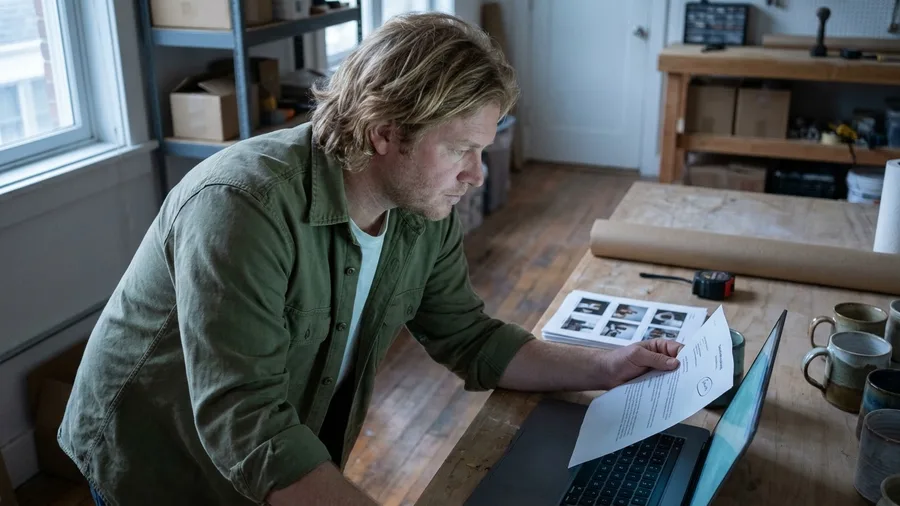
In week 7 I ran that, built one pack in an hour and showed it to a single buyer.
He wanted real photos of his own products and staff, not generated ones, so I closed it in week 8. Canva's AI also trails specialist tools on hard creative work. It paid $0.
Ledger: 1 h/wk, $0/mo, dropped week 8.
💡 Tip: If a buyer asks for photos of real products or real people, AI images cannot close that deal. Pitch a curated real-photo set instead.
10. Canva Offline turns travel time into client edits
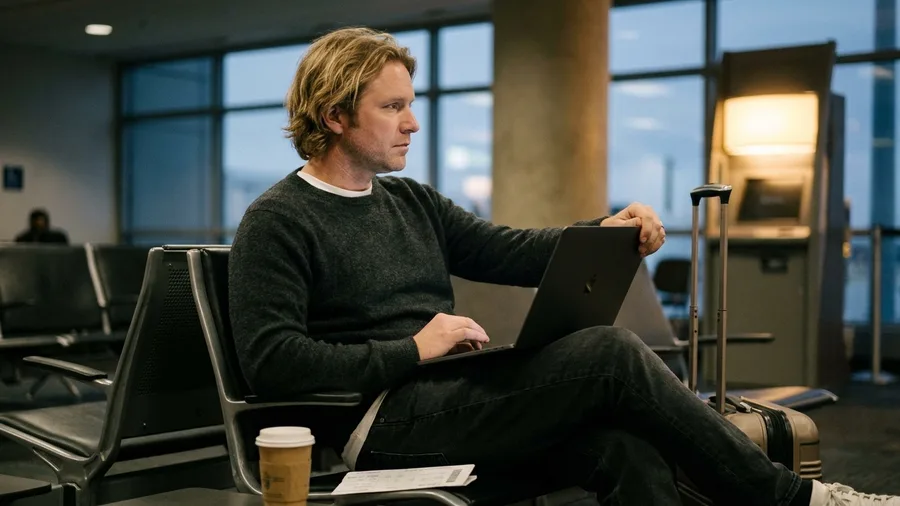
The hour that image-pack test gave back went into a $1,200-a-month line I could run without Wi-Fi: 2 hours a week, first paid in week 14. Edits made sitting on a plane or in an airport seat, then synced when the connection came back.
The file has to be downloaded before I leave, not hoped for at the gate.
I open the design in Canva, make it available offline, swap copy and drop in local images on the laptop. Text and image swaps only.
When the signal returns it syncs by itself.
The catch: Canva Offline is essential editing, not a full studio. Effects, brand changes and anything two people might touch stay for the desk. Never start a file two people will edit offline; the two versions collide and one gets overwritten or lost.
That fix keeps the service small and reliable. I sell a same-day edit window off commute or airport time, and the client pays for speed rather than a rush fee. It fits around a day job and closes the ledger.
Frequently Asked Questions
How much did you spend to start this?
I started on Canva Free at $0 and moved to Pro in week 8. Pro costs $180 a year for one person, which works out to $15 a month. Affinity is now free and the MCP connector is available on Free accounts, so the software cost stayed at $15 a month throughout.
Do I need to know how to code?
No. Everything on this list is done inside Canva and Affinity. The MCP connector works from a chat window, where you type a short brief. You need to read the output, check it and know what a client asked for, and those are not programming skills.
Which hack should I start with if I only have five hours a week?
Start with the safe-zone overlay. It takes 2 hours a week, paid first in week 8, and sells as both a cleanup and a reusable overlay. A client whose text is already buried will pay for the fix faster than for a brand kit.
Is Canva AI safe for client work?
It is safe when you keep the private details out. Never paste passwords, private analytics or unreleased assets into a chat. The connectors read from services like Slack and Gmail but cannot write back to them, and Canva AI 2.0 is not available on Enterprise accounts.
Why did the Canva Craft image pack earn nothing?
The buyer wanted real product and real people photos, and Canva's AI quality lags specialized tools for advanced creative work. That one-hour test cost me a week and paid $0. I dropped it in week 8 and put the hour into real-photo sourcing.
Can I sell the designs I make in Canva?
Most leading AI tools let you sell or use what you create, but you are responsible for not copying someone else's work, brand or likeness. Clear rights to photos, logos and fonts before an asset goes into a paid deliverable.
Pick the first hack by what you already sell
The ten workflows made $19,000 a month across 31 hours a week, and the only cost that mattered was $15. But none of that matters if you start with the wrong one, so pick by what you already sell.
Service providers start with Brand Kit lockdown. Product sellers start with the Affinity brand-kit upsell. Anyone with five hours a week starts with the safe-zone overlay, because it pays first and it is the easiest thing to demonstrate.
Canva Craft image packs were the counted $0 hack, dropped in week 8. Do not copy them expecting income, whatever the tool's image count says. Copy the one with three numbers that make sense for the hours you actually have.