
At 11:47 on Tuesday night, a 15-second AI loop stalls at 94% and the upload deadline is Friday morning.
The headline makes it sound like the tools are the whole story: ten free downloads, then $20K a month rolling in on its own. Here is the honest version. The software is $0, but that $20K month in this example is 8 projects averaging $2,000 plus $4,000 of social-content retainers, and it belongs to month six or later, once two retainers exist. The rig that runs it costs roughly $150 to $300 a month in cloud GPU, storage and one paid tier when a deadline is tight.
Each of the ten tools is free at the level that gets a first client job done, and each carries a named free-plan limit: 720p exports, render queues, monthly credit caps, watermarks. You check that limit on the tool's own pricing page before a price goes on a quote.
By the end you can pick a two-tool starting stack, price a first 15-second loop at $600 against a costed rig, and know which tool to add when a client asks for a character, a painted look or a 90-second film. Ten genuinely free tools, each tied to a billable job, and a $20K month built from a $600 loop pitched this week, not a month-one number.
Quick Tips Before You Start
Quote the job, not the clip
Price from the finished deliverable — a $600 15-second loop, a $1,800 30-second explainer — never from minutes of raw render.
Read the pricing page first
Every tool's free-plan limit lives on its own pricing or licence page; check it before you name the tool in a client quote.
Budget a weekend per new tool
Node graphs, plugin installs, and physics rigs eat a full Saturday the first time; never learn one on a deadline day.
Rent GPU hours when stuck
A cloud GPU at $0.30–$0.60 an hour beats a $1,200 laptop upgrade when a render queue is the bottleneck.
Pitch 20, land 1–2
Twenty targeted pitches yield one or two paying jobs at the start; a realistic first month lands $1,500–$3,000.
1. ComfyUI, the Free Hub for Open Video Models
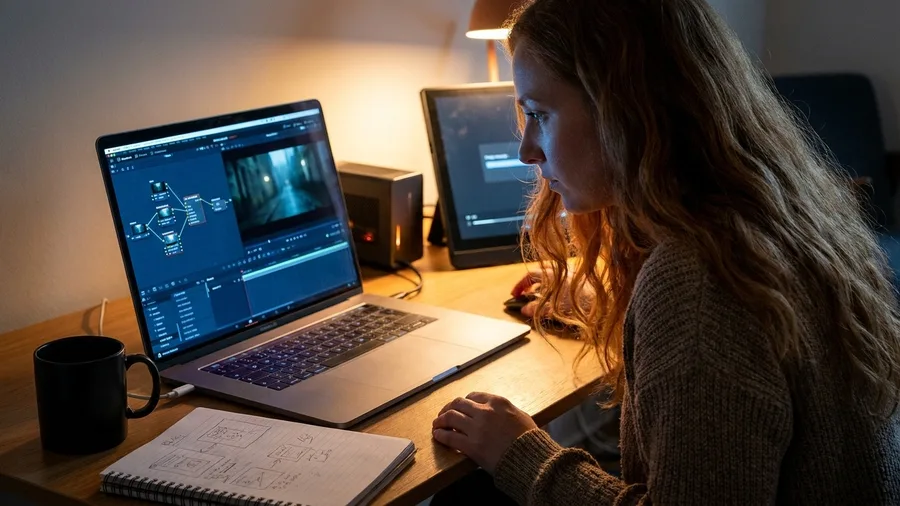
Per-clip fees are the first thing that eats a new animation budget. ComfyUI removes them entirely.
It is a free, node-based control room where open image and video models run on your own GPU with no subscription attached. Every render you would have paid a platform for becomes a draw on your electricity bill and a slot in your learning curve instead. The nodes look intimidating on day one; they are just wires connecting a loader, a sampler and a save node, and that graph is the whole interface.
Speed is worker-grade, not instant. A 30-second 720p clip renders in roughly 10 to 25 minutes on a $1,200 RTX 4060-class laptop with 32GB RAM and a 1TB SSD, and when that machine is tied up a rented cloud GPU at $0.30 to $0.60 an hour keeps the queue moving. Budget the same time again for failed takes, because the first pass rarely lands.
What it bills for is the base layer of real jobs: the raw generation under a $600 15-second social loop, or the opening shot of a $1,800 30-second explainer. Bear in mind that a fully animated 30 seconds still carries 25 to 40 hours of work behind it. The render is the cheap part; the taste and the fixing are what the client pays for.
The cost of entry is time, not money. Give a weekend to node graphs, or start with AI tools with no sign-up, before you take a first client job on it, and be honest about which freelancer you are. Tinkerers thrive here; plug-and-play freelancers will hate every hour of it and should rent a cloud GPU with a friendlier wrapper instead.
On limits, ComfyUI has no per-clip fee and no account tier to outgrow, so the caps that matter are local VRAM and render queue time. Check the tool's own pages for what your card can actually hold in memory rather than trusting a remembered spec from a forum thread. That check is the difference between a quote you can hit and one you renegotiate at midnight.
💡 Tip: Save a working node graph as a template after the first successful render — rebuilding it from scratch for every client job wastes half a day.
ComfyUI — At a Glance
💵 Cost
No per-clip fee, no tiers
💻 VRAM check
Your card's GB, not a forum spec
⏱️ Failed takes
Add 10–25 min per re-render
🧠 First job
After one weekend of graphs
📦 Skip if
You want plug-and-play
Cloud timing
Rent cloud GPU hours only to cover queue time; at $0.30–$0.60/hr, 10 hours costs $3–$6 against a $600 loop.
2. AnimateDiff: Free Motion Modules for Stills
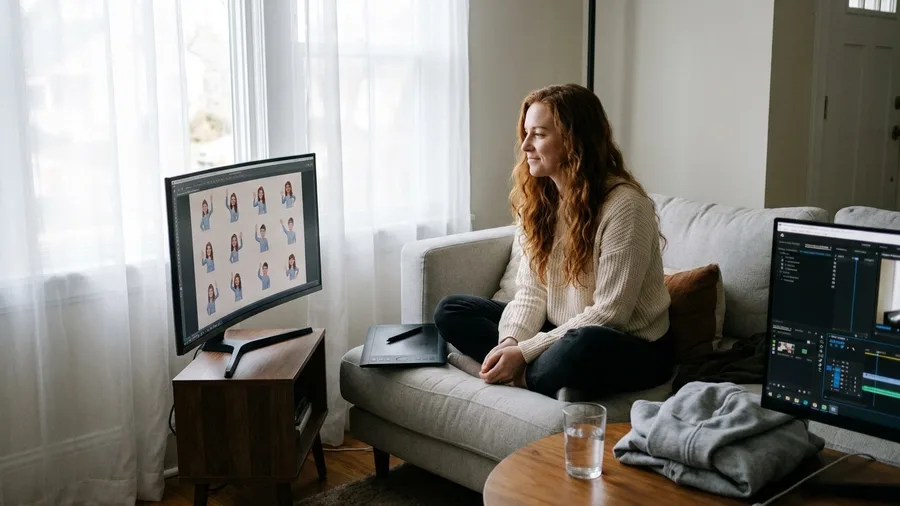
Raw generated clips are one product, but the cheapest repeatable thing a new freelancer can sell is motion pulled out of a single still. That work runs on a different node in the same free graph.
AnimateDiff is a free add-on that takes one image or a short prompt and turns it into a 2 to 4 second motion loop. For looping social content at volume, nothing on this list undercuts it on cost per finished second. Speed beats length here, and that trade is the whole business model.
The realistic ceiling is 20 to 30 loops in a working day once the settings are dialled in, and that throughput is what makes a per-loop price hold up. A $600 15-second social loop built from stitched loops lands in 6 to 10 hours of work, or you can sell 10 loops a month inside a $1,200 retainer and let the same setup earn while you sleep.
Watch for two tells before anything reaches a client: flicker between frames and the short clip length itself. Plan on stitching and cleaning in an editor before delivery, and never hand over a raw 3-second export. The clean version is the product; the export is just the material.
There is no per-clip pricing to check, but model and node licences live on their own pages, separate from the tool itself. Confirm them before any commercial delivery rather than assuming free means clear. A free download and a free commercial licence are two different sentences, and only one of them protects an invoice.
💡 Tip: Render three versions of the same loop and pick the cleanest — flicker varies by seed and one of the three will be usable.
💡 PRO TIP
The stitching rule that saves a quote
Never quote a client a per-second rate for AnimateDiff work. Quote per loop: $600 for a 15-second cut built from four stitched 3-second loops, because that is how the labor actually breaks down.
3. WAN Open Weights: Free Text-to-Video

Flicker-prone loops stop being enough the moment a shot has to hold longer than a few seconds or fill an actual scene. That is the gap a text-to-video model with downloadable weights fills, and it is the closest thing to a paid text-to-video subscription without the meter running.
WAN open weights are downloadable video generation you run yourself, either inside ComfyUI or on a rented cloud GPU, with no per-clip pricing at all. You download the weights once and generate as many takes as the deadline allows.
Set expectations at the model, not the pitch deck. Realistic output is 5-second 720p shots that get stitched into longer pieces; WAN is a shot factory, not a film maker. Anyone promising a 90-second narrative straight out of one prompt is selling you a render you will spend a week repairing.
What it bills for is b-roll and scene fills that support a $1,800 explainer or a $1,200 monthly retainer. The client pays for the finished edit, not the clip count, which is exactly why a factory of short shots works: the edit is where the value gets assembled, and the generation just feeds it.
Design around two limits from the first storyboard. Clip length caps how long any single shot can run, and consistency drifts across shots the longer a scene goes. Keep cuts short, keep setups simple, and hide the joins in the edit where the eye cannot follow them.
The licence page is the one that decides what you can invoice. Read the model's own terms before delivering anything commercially; that page, not a forum post or a tutorial's reassurance, settles what goes on a paid job. Skip that read once and a free tool becomes an unbillable one.
The $20K Month, Broken Down
What actually adds up to $20,000 in month six
Rig costs cover cloud GPU, storage, and one paid tier when a deadline is tight.
4. Deforum's Prompt-Driven Camera Moves, Free
A generated shot gives you a scene. It does not give you a camera.
Clients who ask for a slow push into a logo or a warp that opens on a face and lands on a product are asking for deliberate movement, and Deforum answers that request inside Stable Diffusion or ComfyUI by turning a written prompt into the flight path itself. You type the motion, not the shot.
Keep every burst to 3 to 6 seconds. Drift and flicker compound the longer a clip runs, so a 10-second Deforum shot arrives with a wobble you cannot grade out, while two 4-second bursts cut together hold clean.
It bills as a set, not a clip. Music-video packages and event loops sell at $600 to $1,200 for a bundle of transitions, because one morph transition is not a deliverable and eight of them, timed to a track, absolutely is.
Abstract and stylised briefs are where this earns. Point it at a narrative piece that needs the same hero character across four shots and it fails, so it never goes on a quote that promises a mascot or a storyline – character consistency lives elsewhere in the pipeline.
Before a set price goes on paper, open the pricing page of whatever host is running the model. Monthly credit caps and queue limits differ by host, and the cap named there decides whether a $1,200 package of 20 transitions is a good day or a loss.
💡 Tip: Sell a package of four transitions for $900 rather than one clip for $300 — the setup time is the same, the invoice is triple.
| Tool | Job it does | Free-plan limit to check | What it bills for |
|---|---|---|---|
| ComfyUI | Runs open video models locally | VRAM and render queue time | $600 loop or $1,800 explainer |
| AnimateDiff | Turns a still into a motion loop | Model and node licences | $600 loop or $1,200 retainer |
| WAN Open Weights | Generates 5-second text-to-video shots | Model licence page | $1,800 explainer b-roll |
| Deforum | Prompt-driven camera moves and morphs | Hosting credit caps | $600–$1,200 transition set |
| EbSynth | Paints one frame across a clip | Terms on the tool's own site | $3,500 90-second brand film |
| Blender + Grease Pencil | Camera moves, 3D text, roto cleanup | No export caps on Blender itself | $1,800 explainer finish |
| Mixamo | Rigs characters and mocap actions | Account and export terms | $1,200 character ad |
| Cascadeur | Physics-assisted jumps and impacts | Export and commercial terms | $1,800+ action content |
| DaVinci Resolve | Edit, grade, sound, deliver | Some effects behind $295 Studio | Finishes any deliverable |
| Krita + AI Diffusion | Character sheets and paint-over | Plugin and model licences | $1,200 monthly retainer |
5. EbSynth Paints One Frame Across a Clip
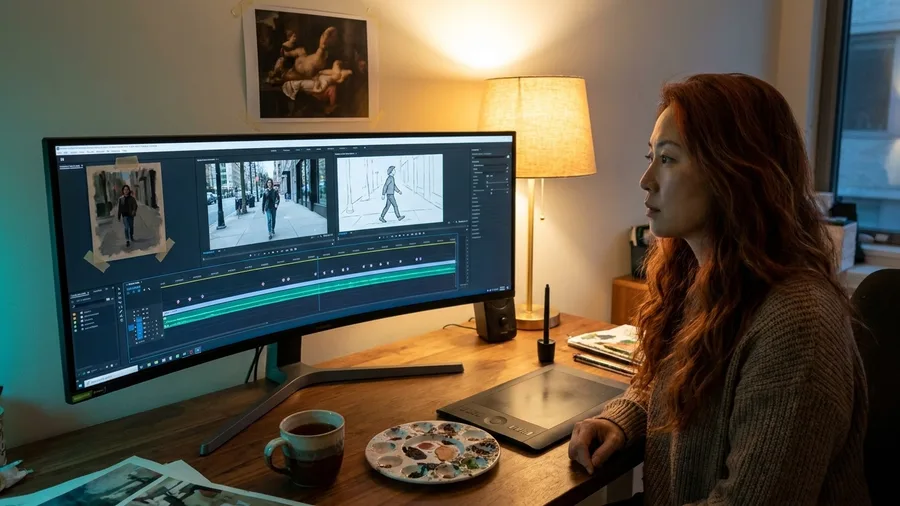
Frame-by-frame generators invent a new face every twelve frames. A controlled illustrated look will not come out of a generator at all.
EbSynth takes one hand-painted frame and drags that style across the entire source clip, so a moving shot ends up looking illustrated rather than rendered. One painting does the work of hundreds, and the saved hours are the whole business case.
It is not one click. EbSynth wants a fresh keyframe every 8 to 12 frames plus manual cleanup where the transfer slips, so a 90-second piece stays labour-heavy. Price the job by the hours it saves you, never by the minutes it outputs.
That labour buys a specific rate. The painted look is what justifies a $3,500 90-second brand film instead of a $1,800 explainer, because the client walks away with a style no competitor's clean AI render can match. Most freelancers in this space deliver polished generation; almost none deliver illustration, and that gap is the sales argument in one sentence.
The download is free with no render credits to burn. The tool's own site carries the terms, and those get read before a paid deliverable's entire look is built on top of them.
When to quote a loop vs a full film
Quote a $600 loop
- Client wants a single social cut
- 6–10 hours of work, mostly AnimateDiff
- No character consistency needed
- Deliverable is a 15-second MP4
- No Blender rigging in the pipeline
Quote a $3,500 brand film
- Client wants a 90-second narrative piece
- 25–40 hours of work across ComfyUI, EbSynth, Blender
- Character must hold across multiple shots
- Deliverable is graded with sound and titles
- Krita character sheet locked before rendering
6. Blender and Grease Pencil Finish the Job
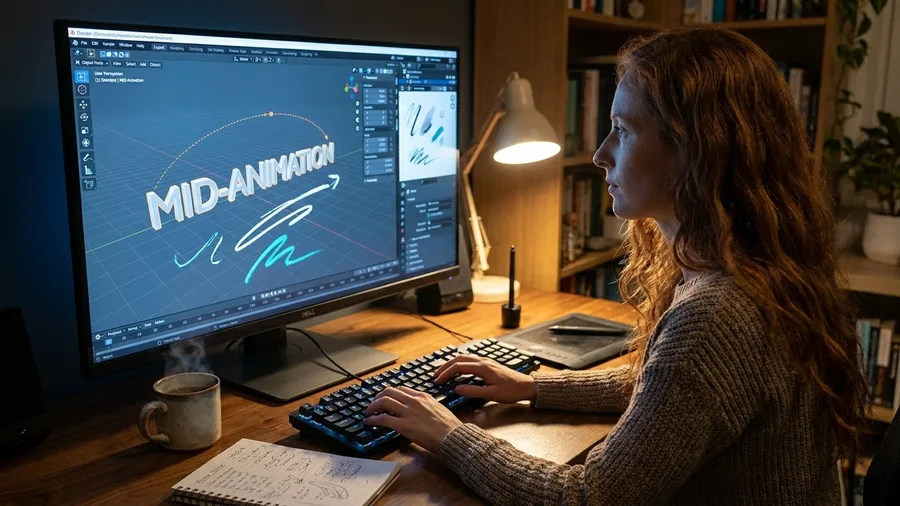
A styled clip is still a clip. Nobody calls it a brand film until it has a camera move, a title, an overlay and a cleaned edge.
Blender with the Grease Pencil build puts all four in one free install: 3D camera moves on a flat generated plate, extruded titles, 2D drawn overlays and roto cleanup for the seams the generators left behind. Set it up once and it fixes what generation gets wrong.
This is the step that moves a quote. The same client who balks at $600 for a clip dump will sign $1,800 for a 30-second explainer, because a finished frame is what they are buying and Blender is where the frame gets finished.
The first month is heavy. Node editors, the Grease Pencil draw mode, the render tab, all of it swallows evenings. Start narrower: a slow camera push and a clean lower-third are enough to bill.
Know who should skip it. Anyone still selling raw loops should stay out of Blender for now, because at $600 a job the learning curve eats the margin and the client never asked for a title card anyway.
Blender itself is free with no export caps or watermarks. The caps sit in the pipeline around it, in the neighbouring tools the finished frame depends on, which is why every one of those pricing pages gets read before a number goes on a quote.
💡 Tip: Start with three skills only: a 3D text title, a slow camera push-in, and a roto mask for cleanup. Those three cover 80% of paid explainer work.
🎬 From raw render to billable film in five steps
Render the base shot
Generate the raw clip in ComfyUI with WAN weights or AnimateDiff loops.
Paint the style
Push one keyframe through EbSynth for an illustrated look across the motion.
Rig and pose characters
Drop Mixamo mocap onto the shot or build physics-assisted action in Cascadeur.
Finish in Blender
Add camera moves, 3D text, and roto cleanup to hide generation seams.
Grade and deliver
Lock colour, sound, and export in DaVinci Resolve at no cost.
7. Mixamo Rigs Characters and Motion for Free
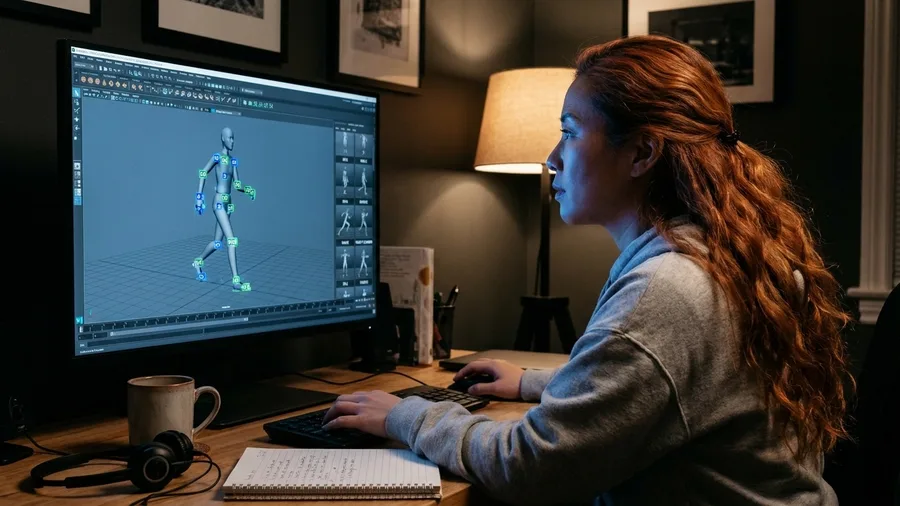
Hands go wrong first. Then knees bend the wrong way and a walk cycle skates across the floor, and that is the exact reason a client rejects a character clip before watching past three seconds.
Mixamo hands you the fix for $0: pick from its library of rigged humanoid characters, attach a motion-capture action from the catalog, and export a rigged, animated character as an FBX straight into Blender. Full-body movement that would take two days to keyframe by hand installs in about four minutes.
The motion library is the real asset here. Idle, walk, run, dance, wave, a full fight combo, downloaded one action at a time onto whichever character body you choose.
Where the money sits is character-led social ads at $1,200 a pop, plus mascot work that keeps renewing inside a $1,200-a-month retainer because the same rigged character comes back every month. That repeatability is the invoice line a business client actually signs.
Style is the catch. Every Mixamo body carries the same polished, slightly generic look, and a client who has browsed around will have seen those characters before. Twinning a recognizable stock figure onto a brand mascot is a pitch that can come straight back at you.
So the account terms on Mixamo's own site decide what a client mascot can legally be built on, and those terms get read before the mascot pitch, not after the deposit lands. Free downloads, export formats, and what the account permits for commercial work are stated on the site itself.
No blog post and no half-remembered forum answer substitutes for that page. Open it, read what it says about exports and commercial use, then put the $1,200 number on the quote with a clear head.
The mascot job, before and after Mixamo
8. Cascadeur's Free Physics-Assisted Character Animation
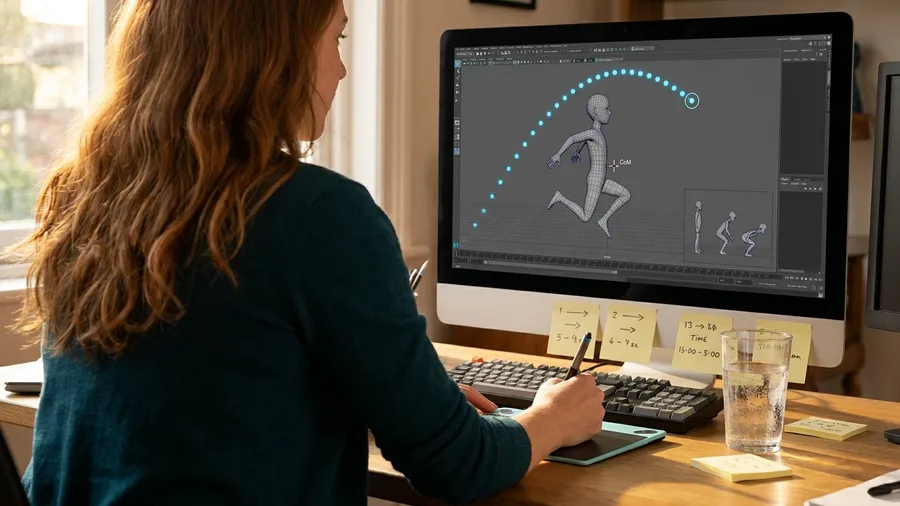
A stock mocap jump lands like a paper doll dropped from a shelf. The arc is right, the timing is right, and the character still floats, because nothing in the action ever accounts for weight.
Cascadeur's free tier is the physics layer: you pose a character in the viewport and its auto-physics solves the balance, the center of mass, and the ground contact, so a landing absorbs through bent knees and a fighter's punch carries the body behind it. Configure a jump and the tool computes the airborne arc for you rather than making you eyeball 40 keyframes.
Better, it imports the rigs that come out of a free mocap download, so the character pipeline you already built stays exactly where it is. No re-rigging, no new tool to learn from zero.
That is what lets a freelancer quote a $1,800 30-second explainer or an ad rate above it when the brief involves action or sport. Impact timing is the visible quality difference a client feels without being able to name it, and it is the reason a jump shot gets approved instead of sent back for another round.
The free tier has limits, and they live on Cascadeur's own pricing page: what the free plan allows on export and on commercial work. Read that page before a quote names the tool.
Getting this wrong is expensive in a quiet way. You finish the animation, the client loves it, and then find the export you need sits on a paid tier, which turns a $1,800 job into a negotiation you lose.
9. DaVinci Resolve Edits, Grades and Delivers Free

A folder of 5-second clips is not a film, and no client has ever paid for a folder.
DaVinci Resolve is the free suite where the pile becomes deliverable: a timeline for cutting, a colour page for matching shots, a Fairlight page for cleaning audio and laying a track under the loop, and a delivery page for export. Editing, grading, sound and output, all at zero cost on the free version.
Three moves do most of the seam-hiding. Match the grade across shots so a stitch stops flashing. Stabilize or reframe the flicker that generation leaves in a loop. Lay sound under the cut, because a footstep or a whoosh covers a jump in the picture that no amount of re-rendering will fix.
This is where the price gap opens.
The difference between a $600 15-second loop and a $3,500 90-second brand film is mostly made in this room, not in the generator. The generator makes shots. The edit makes the thing the client signs off on.
Which is exactly why Resolve belongs in a two-tool starting stack beside the generator: it is the finisher, the step where raw output becomes a file you can invoice for.
The limit to check is small but real. Some effects and tools sit behind the one-time $295 Studio upgrade, so confirm on the pricing page whether the specific look a client is asking for lives in the free build or the paid one. Promising a noise reduction pass or a particular title effect before checking turns a $600 job into a $295 loss.
💡 Tip: Lay a subtle room-tone track under every loop — silence makes AI video feel uncanny even when the visuals hold up.
10. Krita With AI Diffusion for Character Sheets
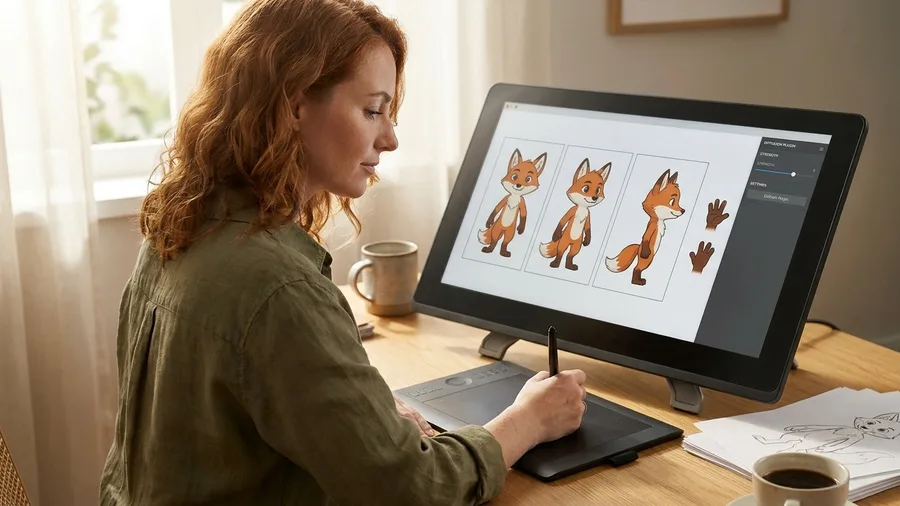
A finished film sells once. The character who comes back next month sells every month.
Krita, the free open-source paint program, paired with its AI Diffusion plugin, gives two things the generator cannot: paint-over and inpainting on generated frames, and a proper character sheet that fixes the design before a single clip is rendered. Get the sheet right — front view, three-quarter, side, hands at rest, mouth closed and open — and every downstream shot has something to match against.
Without a locked sheet, the mascot's jacket changes shade between clip four and clip five, and the client notices on delivery day.
That repeatability is the whole retainer argument: ten loops a month, all built around the same fixed character, sitting inside a $1,200 a month social retainer. The client is no longer buying individual clips — they are buying a mascot that stays recognisable across a feed, which is a far easier renewal conversation than a one-off loop ever gets you.
The plugin install eats an evening and wants a halfway decent GPU, so schedule it for a quiet weekend. Trying to set it up the morning a character brief lands is how a deadline gets missed.
Illustrators and designers will feel at home in Krita's brush engine within an hour; pure video editors should not force it. They can lean on Mixamo rigs and Blender instead and still hand over a mascot that holds together across a campaign.
Before any character design goes into a paid deliverable, read the plugin and model licence pages themselves — those pages, not a tutorial's summary, decide what a client mascot can legally be built on and invoiced for.
Frequently Asked Questions
Can these tools really earn $20K a month?
Month one usually lands $1,500–$3,000 from one or two jobs. The $20K figure in this example is eight projects at $2,000 average plus $4,000 of recurring retainers, and it belongs to month six or later, once two retainers exist. The tools are free; the pipeline and the client list are the real cost.
What hardware do I actually need?
A $1,200 RTX 4060-class laptop with 32GB RAM and a 1TB SSD is the working example throughout. When the local GPU is tied up, rent a cloud GPU at $0.30–$0.60 an hour and pass that cost into the project fee.
Are the free tools really free for commercial work?
Free to download is not the same as free for commercial delivery. Every tool's licence and terms live on that tool's own page — read them before you price a job that depends on it. The article names the page to check per tool rather than quoting terms here.
What should I quote for my first job?
Start with a $600 15-second social loop built from AnimateDiff loops and cleaned in Resolve. That is a 6–10 hour job on a modest rig and a realistic first invoice. Move to $1,200 character ads and $1,800 explainers once Mixamo rigs and Blender finishing are in your stack.
How many pitches does it take to land a client?
Twenty targeted pitches yield one or two paying jobs at the start. Build the pitch around the finished deliverable — a 15-second loop — rather than the tool name, and keep the loop short enough that the free-plan render queue can finish it overnight.
Which two tools should a total beginner start with?
One generator and one finisher: ComfyUI to render the base shot, DaVinci Resolve to edit, grade, and deliver it. Everything else — EbSynth, Mixamo, Cascadeur, Krita — gets added once the first client job pays for the learning time.
One ComfyUI Loop, One $600 Invoice
Start with exactly two tools: ComfyUI as the generator, DaVinci Resolve as the finisher. That stack sells a $600 15-second loop this week. Mixamo, EbSynth, Blender and the rest get added only when a specific invoice needs them, because a stack of ten before a first client is just a way of not pitching.
The $20K month stays real but distant: eight projects at a $2,000 average plus $4,000 of retainers, in month six or later once two retainers exist, as in building income streams on free AI. A realistic first month lands $1,500 to $3,000. Twenty targeted pitches yield one or two paying jobs at the start, and the rig runs roughly $150 to $300 a month in cloud GPU, storage and one paid tier when a deadline is tight. The software's $0 is genuine, and the free-plan limit on each tool gets checked on that tool's own pricing page before a number goes on a quote, which is what keeps a $600 job profitable.
So this week: pick one niche you can name out loud, render a single 15-second loop in it, and pitch that loop to 20 prospects at $600. When the progress bar hits 94% again on a Tuesday night, it will be a deliverable with a price on it, not a maybe.
Render one loop. Pitch it to 20 people.
Open ComfyUI, render a 15-second loop in one narrow niche, and send it to 20 prospects at $600. Twenty pitches yield one or two jobs at the start — that is how the $20K pipeline begins.