
You have seen the demo. Someone types 'build me an app for pickup soccer' into a chat box, and ninety seconds later a working screen appears with a button that does something. It looks like the whole job takes an afternoon.
A first-timer with one idea and zero code gets a working screen in 10 to 20 minutes. Getting the app to actually save a sign-up, survive a refresh, and land on a shareable link usually eats 8 to 12 hours spread across a single weekend. That gap between the demo and the deliverable is where most people quit.
This is the path that closes it. Seven steps, one named example app, a free-tier stack, and a stopping rule. Nothing here requires a computer science degree, but it does require you to cut your idea before you open a tool.
Quick Tips Before You Start
Cut to one job
Your app does exactly one thing for one group. Everything else is a feature you will add next month.
Version-save early
Save the empty project and every working state in your builder. One bad prompt can reset a screen that worked.
Get your logins ready
Create a Supabase account and note the project URL and anon key before you start prompting.
Test on your phone
Open the preview on the device your friends will use. The desktop preview hides mobile layout problems.
1. Choose a Three-Screen App You'll Actually Use
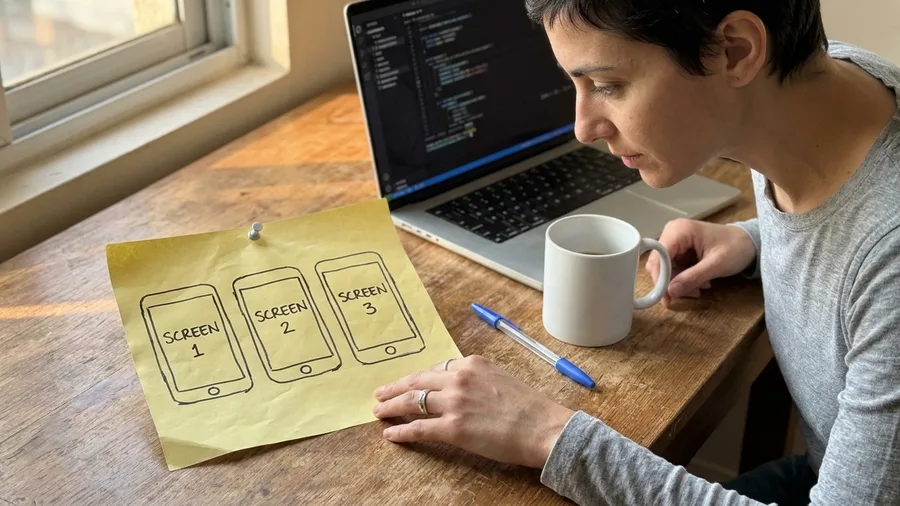
Build the smallest thing one group of people will open twice a week.
Scope decides whether the weekend ends with a working link or a half-finished app, so write the three screens down before you open any tool. The worked example: Sunday Squad, an RSVP app for a 22-player pickup-soccer group. Screen one is the next game with a spot counter; screen two is the roster with a five-person waitlist; screen three is a player profile.
That is the whole product. One job, three screens, no payments.
Payments, chat and push notifications are the features that double the work, because each one is another screen, another field set and another thing the AI has to get right while you test it. If your idea has a Stripe button or a group chat, cut it at the scope stage – not after the builder has already wired its screens around a feature you now want gone.
Budget 8-12 hours across one weekend for a first-timer, and know where they go: the first working screen lands in 10-20 minutes, and the rest of the weekend is login, saving the RSVP, the waitlist and bug fixing. Extra features compete directly with those hours. Every one you add is time not spent making sign-up survive a refresh.
The test of a good first project is small and blunt: you would use it yourself and five friends would too. A 22-player group that already runs sign-ups through a group chat passes cleanly. A social network for strangers fails, not because it is a bad idea but because you cannot test it with five people you know on a Saturday.
💡 Tip: Write your three screens on a sticky note and tape it to the laptop. When you are tempted to add a fourth, read the note.
| Piece | Tool | Cost |
|---|---|---|
| Builder | Lovable or Bolt (free tier) | $0 to start; Pro about $25/mo later |
| Database | Supabase free tier | $0; Pro about $25/mo once limits bite |
| Hosting | Builder's free URL | $0 |
| Custom domain (optional) | Any registrar | About $12/year |
| Time | One weekend | 8–12 hours for a first-timer |
2. One Builder, One Free Database, Nothing Else
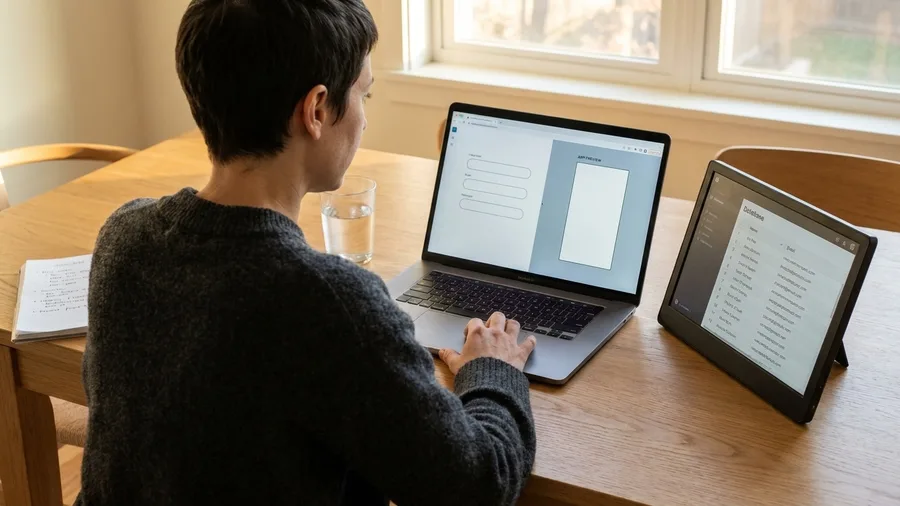
The stack is one prompt-first builder, one free database, one free URL – anything longer is a second project.
What that means once the scope is fixed at three screens and one job: open Lovable or Bolt on the free tier, add Supabase's free tier for email login and the player and game tables, and host on the builder's free URL. That is the entire list of tabs. Nothing else earns a place on it.
The money is close to zero on day one. The only near-certain spend is an optional custom domain at about $12 a year. Builder pro at about $25 a month and Supabase Pro at about $25 a month arrive only once the free limits bite, and a 22-player group will not hit those limits on launch weekend.
Stacking two builders, or adding a second database mid-build, burns the weekend in a way you can watch happen. The app's state lives in two places, prompts written for one tool do not map onto the other, and you end up rebuilding screens that already worked.
Before you type the first prompt, create the project and version-save it. That empty baseline is the rollback point every later save stacks on, and it costs under a minute – the cheapest insurance in the whole weekend.
💡 Tip: Keep your Supabase project URL and anon key pasted in a note. You will need them for the connection prompt.
⚠️ COMMON MISTAKE
Don't stack tools mid-build
Adding a second builder or database halfway through means the app's state lives in two places and prompts don't map between them. Pick one builder and one free database before you type the first prompt.
3. Write the First Prompt Like a Brief
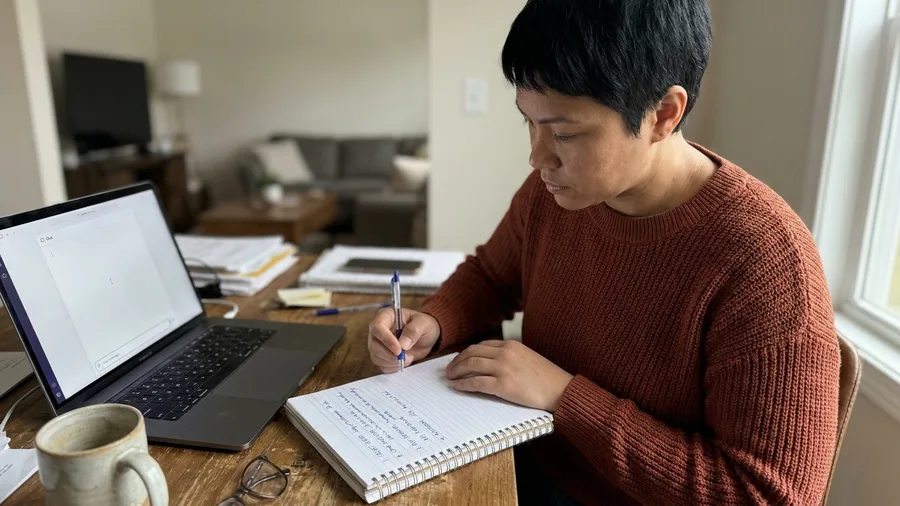
Write the first prompt as four parts in one paragraph: who the user is, the three screens, the data fields, and what to leave out. The builder will build from what that paragraph says, and nothing more.
Name the user specifically: a player in a 22-person pickup-soccer group. Name the three screens. Then name the fields that matter: player name, email, game date, spots left. Those four are concrete on purpose. Named fields give the builder something to generate tables and forms from, while a sentence like "a nice soccer app" gives it nothing to grip.
Close the paragraph with the exclusions: no payments, no chat, no push notifications.
Expect the first working screen in 10 to 20 minutes. That screen is the next game with the spot counter, and it is a draft, not a deliverable. The preview is there for you to check the layout and the numbers, not to ship.
After the first prompt, add one feature per prompt, never three at once. Three features in one prompt means three untested changes mixed together in the preview, and no way to tell which one broke it when the screen goes blank.
💡 Tip: Paste the four-part prompt into a text file before you send it. You will reuse the field list in later prompts.
🛠️ The Weekend Build Order
Save the empty baseline
Create the project and version-save before typing anything, so you have a clean rollback point.
Send the four-part prompt
Name the user, three screens, fields, and exclusions in one paragraph and wait for the first screen.
Connect Supabase login
Add email login as its own prompt, then test a sign-up and refresh in the preview.
Wire the RSVP save
Prompt for saving a game RSVP to the player and game tables, then refresh and confirm it persists.
Add the five-person waitlist
Prompt for the waitlist order as a separate step, then test the sixth sign-up.
Publish and share
Publish on the free URL and send it to five testers with three specific things to check.
4. Add Login and Data One Prompt at a Time
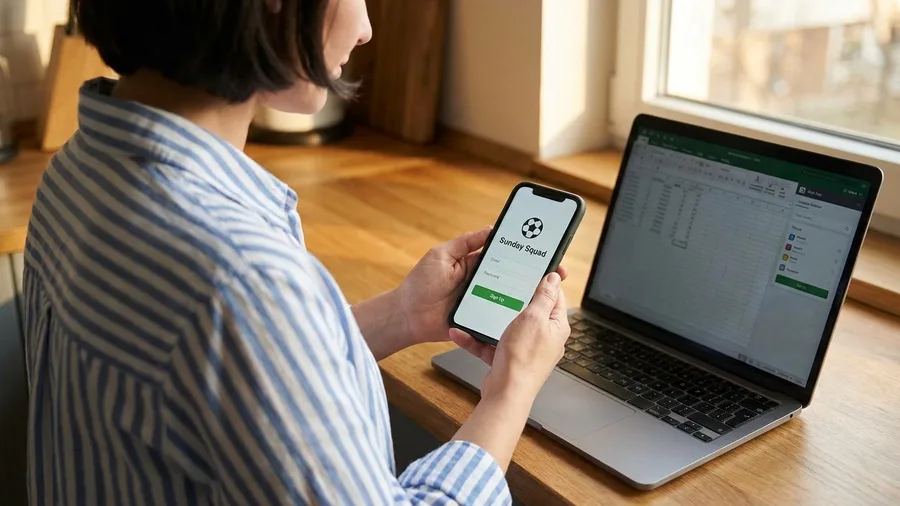
Plain screens only look finished. A screen that renders but forgets your RSVP on refresh is a picture of an app, and the fix is signing up and saving data in separate prompts.
Connecting Supabase for email login and the two tables – players and games – gets its own prompt, typed on its own and read as its own task. It is not a line tacked onto the bottom of the screen prompt, and it should never share a paragraph with the layout work, because the builder treats every prompt as a fresh instruction and a mixed one gets mixed results.
Build in one order and test between each rung. Screens first, then email login, then the save on the RSVP button, then the five-person waitlist. Each depends on the one under it: a waitlist cannot hold an order if the RSVP was never saved, and an RSVP cannot save if there is no signed-in player to attach it to.
Run the same check in the preview after every connection. Sign up with a real email, refresh the page, and confirm two things survive – the account is still signed in and the RSVP is still there. A sign-up that lives through a refresh is the entire proof that the thing stopped being a demo.
One save goes in before the database prompt, not after. A failed Supabase connection is the failure most likely to take down screens that already worked, and the version saved beforehand is what turns that into a two-minute restore instead of a rebuild.
Type the connection prompt, watch the preview, and run the refresh test before you type the next one. That pause is the whole difference between a trio of working pieces and a mess you cannot untangle.
💡 Tip: Test with a real email address you can open. Fictional addresses make it harder to spot confirmation-link bugs.
Prompting for Data: The Difference
One feature per prompt
- You can tell exactly what changed
- Each test proves one thing works
- A failure is easy to roll back
- The preview stays predictable
Three features at once
- Three untested changes land together
- You cannot tell which one broke the preview
- Rolling back loses the working ones too
- You end up re-prompting blind
5. When It Breaks, Describe the Bug Precisely
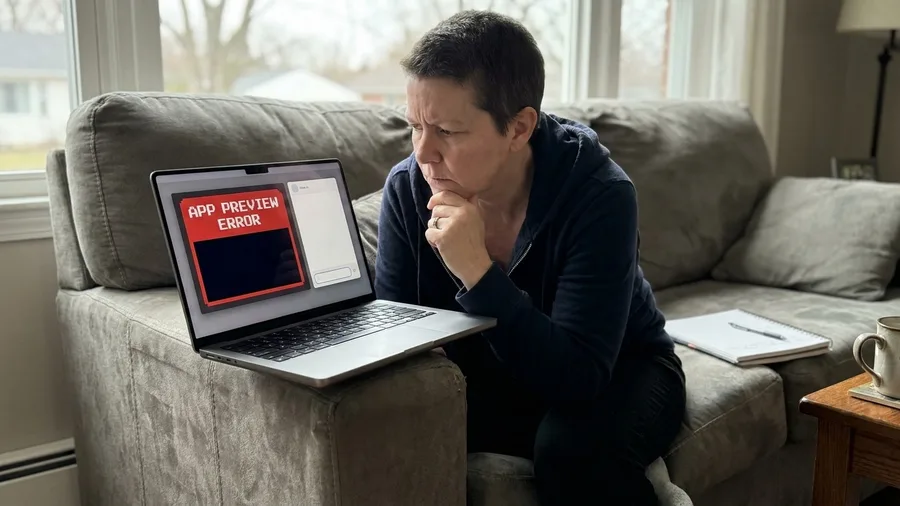
Broken previews get fixed fastest with three facts in one sentence: the screen, the click, and the result you expected instead of the one you got.
Write every report that way, because a vague one is how vibe coding fails most often. Tell the builder 'the RSVP is broken' and it fills the gap by guessing, patching the wrong screen or rewriting the wrong function. Tell it 'on the game screen, when I click Submit RSVP, the page reloads but the counter stays at 10; I expected it to drop to 9' and it has somewhere to go.
This app hits two real failures. The form saves nothing, so you submit, refresh, and the RSVP is gone; and the waitlist refuses to reorder, dropping the sixth person ahead of the five already waiting.
Save a version before any large prompt. One bad instruction can blank a screen that was working, and having a save taken thirty seconds earlier turns a five-minute restore into an evening of re-prompting the same broken screen.
Know when to stop patching. If a fix has failed twice, the third try is not the answer; restore the last good save and rebuild from there. A dead preview plus two failed attempts is the signal to go back, not to write a longer, more elaborate prompt.
💡 Tip: Copy the exact error text from the preview into your bug report. Paraphrasing it loses the one clue the AI needs.
Ready-to-Ship Scorecard
Anything marked with a warning line: fix it before you share the link.
6. Ship It on a Free URL Before You Polish
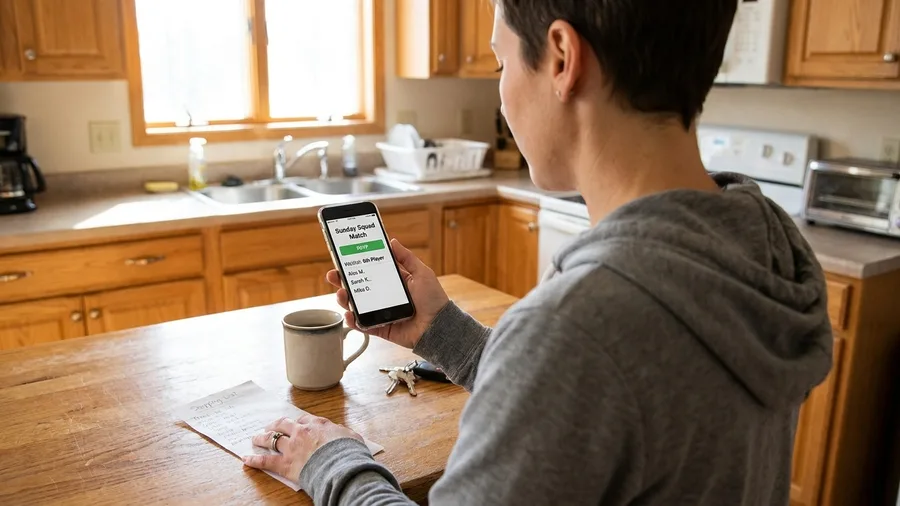
Publish the app on the builder's free URL and paste that link straight into the group chat – nothing else about the project matters until 22 real people can reach it. The app is functional and plain by now: sign-up holds through a refresh, the waitlist keeps its order, and that is the bar for going live.
Skip the custom domain for the moment. The roughly $12-a-year address is a later step that changes nothing about whether the app works, and buying one now spends an hour on DNS that belongs to testing.
One fix lands before the link goes out: a sign-up that survives a page refresh. Everything else can wait; this cannot. A tester who loses their RSVP the first time they reload never opens the link again, and a pickup game has no second batch of testers to spare.
Give the first five testers three specific tasks. Sign up for the next game. Join the waitlist as a sixth player. Refresh the page and check that the spot counter and the order both held. When something fails, ask for the screen and the exact click, the same format used to brief the builder.
Leave the styling, the avatars and the friendlier waitlist message unfixed on purpose. Real RSVPs on Sunday morning expose bugs faster than an afternoon of clicking through the preview ever will, and the group will tell you which rough edge actually bothers them.
Eleven players who all see the same broken counter teach you more in one morning than a week of solo testing.
💡 Tip: Send the link in the group chat with the three test steps written out. Testers follow instructions that are already in front of them.
Pick Your Path After the Weekend
7. Know When Vibe Coding Stops Working
The five testers you sent Sunday morning's link to hand back the real answer. A bug list with two cosmetic notes and one refresh glitch is a green light; a list where the same payment question or waitlist order keeps reappearing is the builder waving a white flag. Read the shape of that list before you type another prompt.
Three signs say stop, and two of them have nothing to do with how clever the prompt is. The first is a bug that has outlived two fix attempts – you rolled back, tried a different wording, and the RSVP still vanishes on refresh. The other two are structural, meaning no prompt will touch them: money moving through the app, personal data at real scale, and features that genuinely need a backend engineer – taking payments, running chat, delivering notifications, or enforcing proper permissions. That last cluster is where the builder's speed runs out and the weekend starts draining.
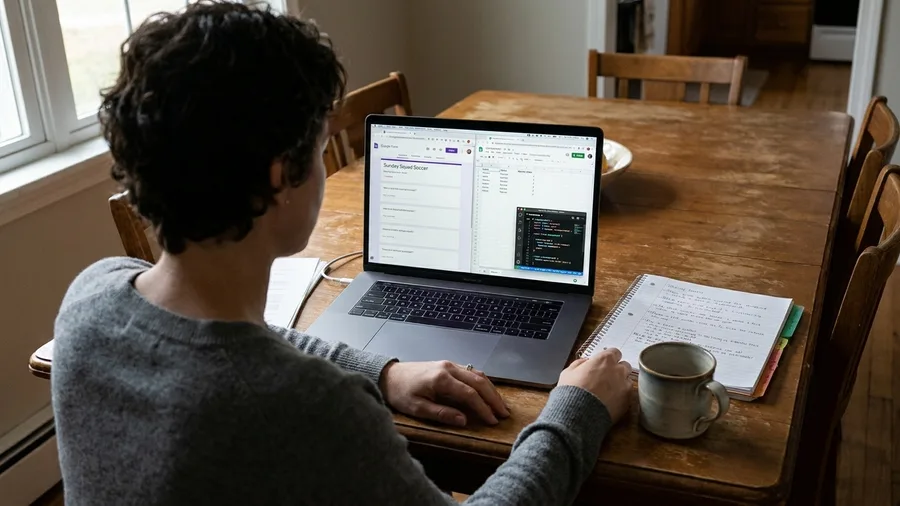
The fallback is not a consolation prize. The same Sunday Squad app rebuilds as a free Google Form tied to a spreadsheet in one afternoon, and the 22 players still sign up for Sunday's match without noticing the swap.
Better still, the form quietly becomes a spec: every field, every waitlist rule and every edge case you discovered goes straight into it, which is exactly what a developer wants to read when you hand the job over.
those three sink a first-timer, because the cost of a broken edge case lands on a stranger, not on your teammates.
So the weekend ends with one of three verdicts, and all of them are honest results. Keep prompting while the app lives inside the free tier, moves no money and fixes each bug within two attempts. Hand off to a developer, with the working app and a written bug list as the spec, once payments, scaled personal data or a twice-returning bug enters the build. Or fall back to the form and spreadsheet if the builder stalls or Sunday night arrives with sign-up still failing on refresh.
Whichever verdict you reach, the real work happened before the first prompt. Write the three-screen scope and the one-paragraph brief tonight – the 22-player group, the four fields and the three exclusions – so tomorrow opens with a spec instead of a blank box.
💡 Tip: If your app moves money, treat vibe coding as a prototype and bring in a developer before a real transaction.
Frequently Asked Questions
Do I need to know how to code to vibe code an app?
No, but you need to read a preview and describe what you see. The skill that matters is writing a precise bug report and cutting scope, not syntax. If you can write clear instructions to a person, you can drive a prompt-first builder.
How much does it actually cost to build a first app this way?
The free tiers of Lovable or Bolt and Supabase cover a 22-person group. The only near-certain spend is an optional custom domain at about $12 a year. Builder Pro and Supabase Pro at about $25 a month each arrive only once you outgrow the free limits.
What if the AI keeps breaking my working screens?
Version-save before every large prompt so you can roll back in seconds. If a fix fails twice, restore the last good save instead of writing a third prompt. Two failed patches is the signal to stop patching, not to try harder.
Can I add payments or chat later?
Yes, but treat them as separate projects, not weekend additions. Payments, chat, and push notifications each need a backend engineer or a specialist service, and they carry legal and security weight a prompt cannot carry. Ship the RSVP loop first.
How do I know when to hand off to a developer?
Hand off when a bug survives two fix attempts, when money or real personal data at scale enters the app, or when you need payments, chat, or a real permission system. The working app plus a written bug list is the cleanest spec a developer can get.
The Three-Screen Rule That Decides Your Weekend
Keep prompting while the features stay free-tier, non-financial, and fixable inside two attempts. Hand off to a developer the moment payments, real personal data at scale, or a bug that survives two fixes enters the app. Fall back to the Google Form plus spreadsheet if the builder stalls, or if Sunday night arrives and sign-up still does not survive a refresh.
Saturday morning looks different now. The builder opens onto a saved empty project, and the paragraph in front of you names the 22-player group, the three screens, the four fields, and the three exclusions. The ninety-second magic is gone, replaced by a spec short enough to type in one sitting. That swap is the actual skill.
The weekend owes you one of two outputs: a link the group uses on Sunday, or a written reason the app does not exist yet. Both count as results. A second weekend of prompting with neither in hand is the only real failure.
Write the scope before you prompt
Open a note right now and write your three screens, four fields, and three exclusions. That is step one, and it takes ten minutes.