
Wiping an iPhone screen by hand takes about five seconds. The right way — unplug, power off, soft cloth, slightly damp — takes about thirty. The gap matters more than it sounds.
You have probably cleaned yours with whatever was closest: glass cleaner, a paper towel, the hem of your shirt. The screen looks fine. Then the smudges stop wiping away so easily, and faint marks appear on the glass.
Here is what is actually happening, which habits cause real damage, and which marks are harmless transfer you can wipe off.
By the end you will know whether anything is ruined, what to throw out, and the short routine and products to use from tonight.
It is November 2026, and none of this has changed.
| What you reach for | What it does | What Apple says | Use instead |
|---|---|---|---|
| Window cleaner or ammonia spray | Attacks the oil-repellent coating; ammonia can scratch | Do not use window cleaners, household cleaners, solvents, ammonia or abrasives | 70% isopropyl alcohol wipe, or a damp lint-free cloth |
| Bleach or hydrogen peroxide wipe | Erodes the oil-repellent coating over time | Do not use products containing bleach or hydrogen peroxide | 70% isopropyl alcohol wipe or 75% ethyl alcohol wipe |
| Paper towel or bath towel | Traps grit and drags it across the glass | Soft, lint-free cloths only; no rough fabrics, towels or paper towels | Microfibre lens cloth |
| Compressed air | Forces grit deeper into ports and openings | Do not use compressed air on an iPhone | Damp cloth around the opening; Apple support if sound is affected |
| Acetone or nail polish remover | Dissolves the coating and can cloud the display | Do not use cleaners containing acetone on a display | 70% isopropyl alcohol wipe |
| Spraying the phone directly | Liquid runs inside and can damage the display | Never spray cleaner directly on the product | Dampen the cloth, not the phone |
The Oleophobic Coating Is What You're Wearing Away
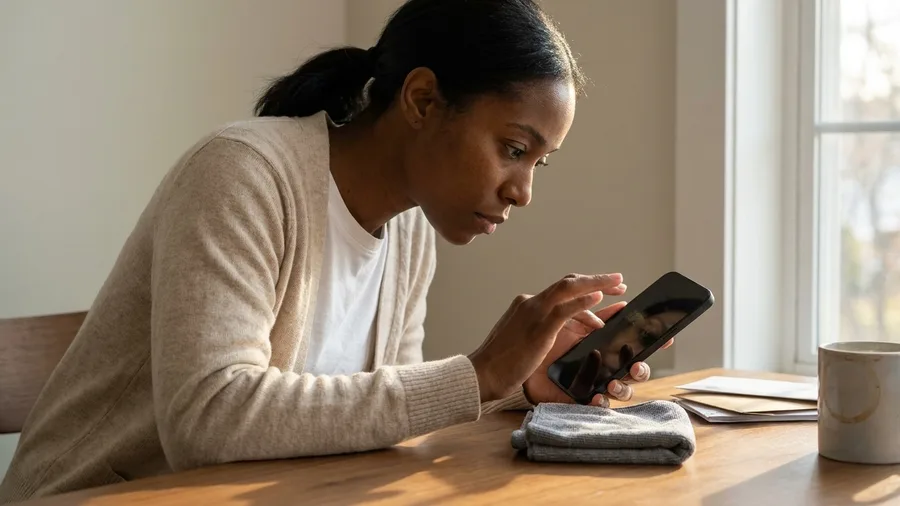
The thing wearing thin is a clear oil-repellent layer called the oleophobic coating, and it sits on top of the glass rather than inside it. On iPhone 8 and later it covers both the front and the back.
That layer fades with ordinary use. Wiping the example iPhone 15 Pro once a day for a year produces some wear on its own, so a patchy coating is not proof you ruined anything. Cleaning products and gritty materials just speed the fade up.
Once it is gone, nothing puts it back. No cloth, no wipe, no bottle of screen kit restores it, whatever the label suggests.
Watch for the switch: smudges that suddenly grip the screen and stay put after a clean pass with a fresh cloth. That is worn coating, not fresh dirt, and it tells you the layer has thinned across that patch.
Most "Scratches" Are Transfer, Not Damage
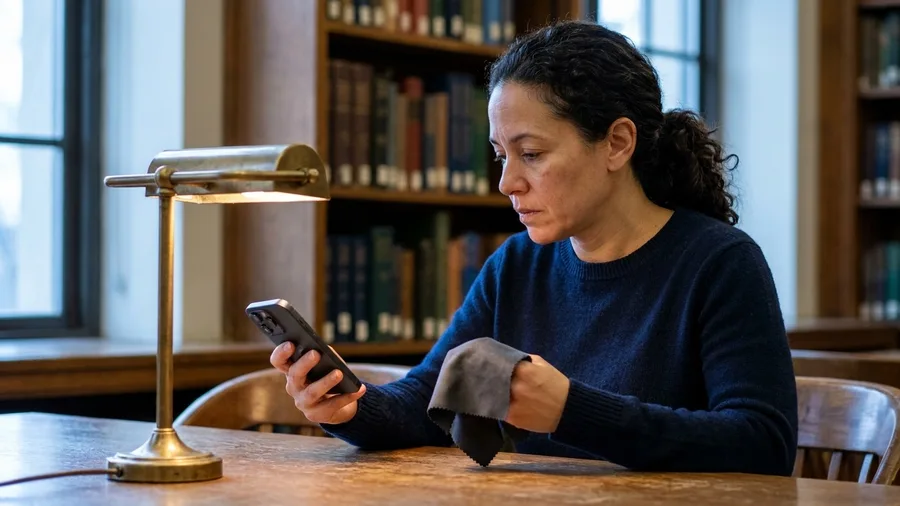
Those thin white lines people find on Ceramic Shield and textured glass are usually material transfer, not cuts.
Denim dye, pocket grit, powder from a bag lining: something rubs off onto the surface and stays there. Apple's support guidance covers this case directly.
It says the marks can, in most instances, be wiped away.
The cheap test takes a minute and settles it. Dampen a soft, lint-free microfibre cloth, wipe the mark, then tilt the phone under a lamp and look along the glass rather than straight at it.
A deposit sits on the surface and lifts. A real cut catches the light as a line that does not move.
That angle check is what you do before booking a repair or paying a diagnostic fee.
One display quote on an iPhone 15 Pro runs several times the price of the protector already on your phone, the tempered-glass sheet that took the marks in the first place.
If the line survives the lamp, it is damage. Replace the protector and the glass underneath stays as it was.
Liquid Damage Is the One Nothing Covers
Transfer marks and worn coating are both surface problems. Liquid getting inside the iPhone is the one failure here that is not cosmetic, not fixed by a better cloth, and not cheap.
Apple's warranty and AppleCare exclude liquid damage, though consumer law rights may still apply in your country. Check your local rules rather than assuming the phone is uninsured in every sense.
The ways in are ordinary, which is what catches people. A spray hits the phone and runs behind the display. Moisture pools in the openings. Someone dunks the phone in cleaning fluid to get a speck off.
The habit that closes all three: spray or dampen the cloth, never the phone. Unplug every cable and power the phone off before any wiping starts, and the rest of the routine is safe from the only costly mistake left.
⚠️ COMMON MISTAKE
The spray bottle is the real enemy
Spraying cleaner directly on an iPhone lets liquid drip inside the display and cause damage, and liquid damage is excluded from the warranty and AppleCare. Dampen the cloth instead, never the phone.
Window Cleaner, Ammonia and Acetone Are Out
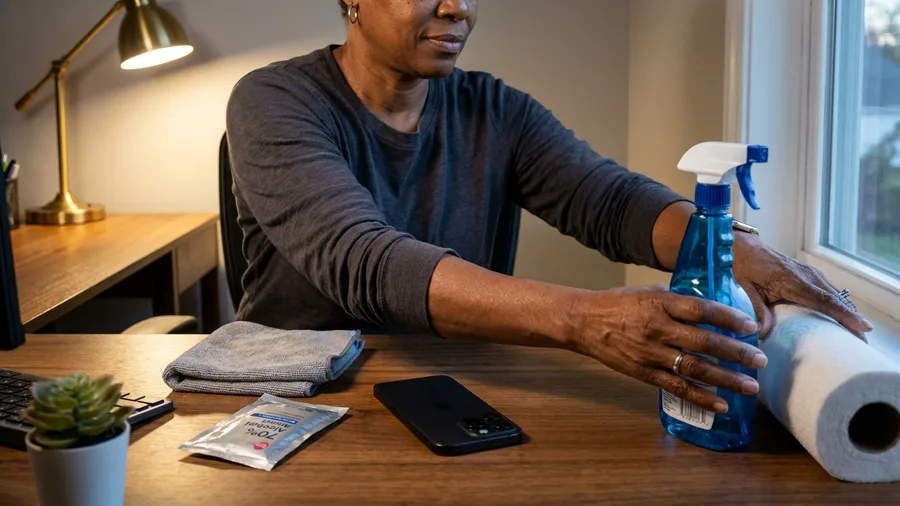
The bottle under the sink is the first thing to carry out to the garage, not the last thing to reach for.
Apple's list of things never to put on an iPhone includes window cleaners, solvents, ammonia and abrasives. Acetone is named separately for display glass.
There is no gentle version of this. Half a cap of glass cleaner in a bowl of water is still glass cleaner, and Apple gives no dilution that makes it acceptable on the phone. The disinfecting instructions are the only route in for a liquid.
Look at what the product does. The solvent load loosens the oil-repellent coating that shrugs off fingerprints. The grit suspended in it rubs the surface it was bought to polish. On a phone wiped once a day for a year, that wear adds up.
The replacement is not a homemade mix. A 70 percent isopropyl alcohol wipe handles the disinfecting, and a soft, slightly damp, lint-free cloth handles everything else. Both go where the bottle was, and the bottle goes back under the sink for the windows.
The words on the bottle, decoded
Bleach and Peroxide Wipes Erode What They Disinfect
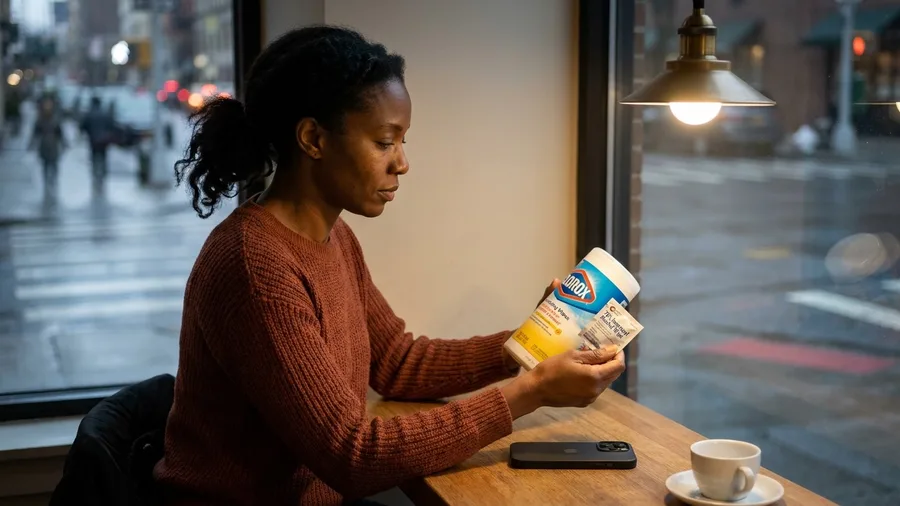
Reaching for the strongest germ killer is the move that costs the most coating. Bleach and hydrogen peroxide are both on Apple's do-not-use list for the iPhone, with no exception for a quick swipe on the back.
The wipes are the common route. A disinfectant wipe steeped in either one can damage the phone or the screen protector with repeated use, because it eats away the oil-repellent layer as it disinfects. That layer does not grow back.
The FCC, as Yahoo reported, says wipes with alcohol, bleach or vinegar may harm a display. The same guidance sets a floor for the alcohol kind. If you use an alcohol wipe, it should be at least 70 percent alcohol, not a weaker one.
The swap costs nothing in germ terms. A 70 percent isopropyl alcohol wipe kills what you are worried about and still sits inside Apple's rules. Stronger buys you a duller screen, not a cleaner phone.
Paper Towels and Sleeves Scratch at the Coating
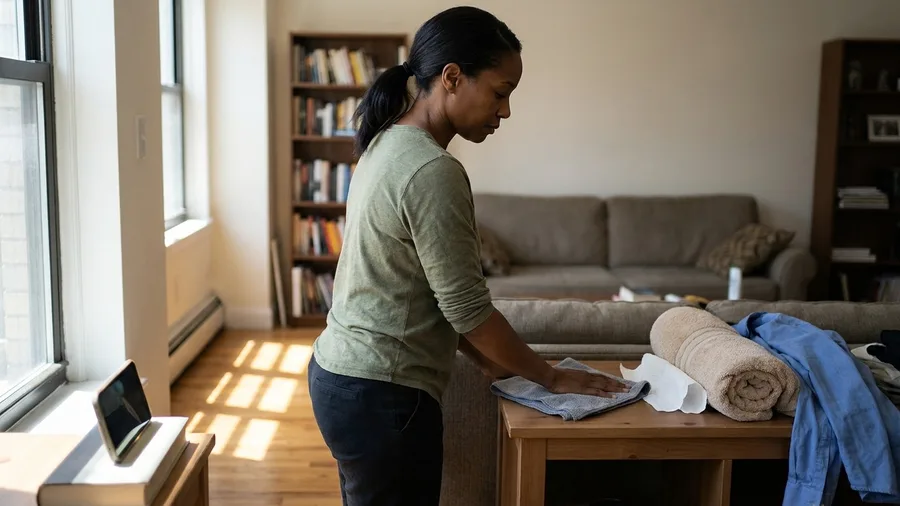
What you wipe with matters as much as what is on it. Apple asks for soft, lint-free cloths only, and names rough fabric, bath towels and paper towels as things to keep off the phone.
The reason is what a textured cloth carries. Paper towel and a shirt hem both trap grit from a pocket or a table, then drag it across the glass instead of lifting it away.
The fine scratches people blame on the screen usually start in the cloth.
The one to keep is a microfibre lens cloth. It lives in the bag, gets washed with the laundry every week or two, and never shares a pocket with keys. The example phone's tempered-glass protector takes the worst of it either way.
That single cloth retires the paper towel, the bath towel, the sleeve and the hem. One item replaces four improvised wipes, and it costs less than the screen protector it is protecting.
Compressed Air Pushes Debris the Wrong Way
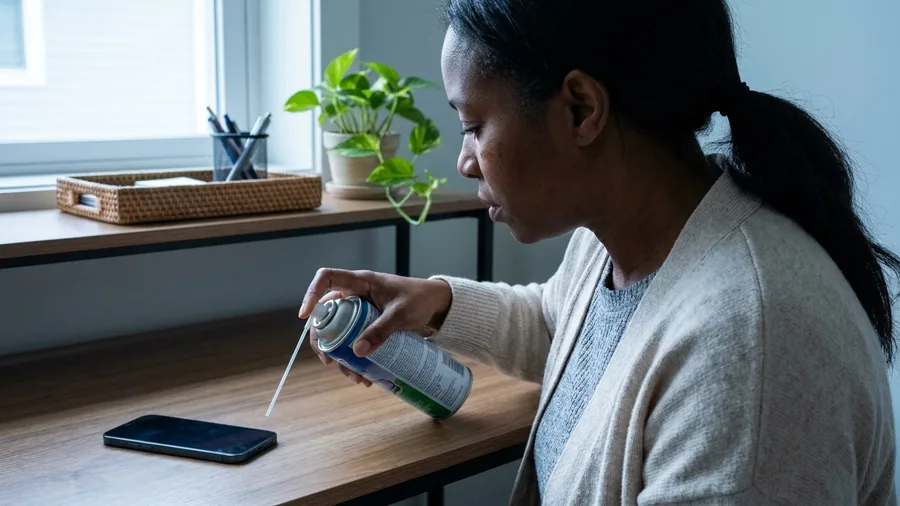
A cloth handles every surface you touch. The can of air on the shelf handles nothing, and Apple lists compressed air among the things not to use on an iPhone.
The dust you see in the speaker slots is not worth chasing with 100 pounds of pressure per square inch.
The grit is the problem. Air aimed at a grille drives loose particles inward, past the mesh and toward the port and microphone behind it.
The propellant that rides with the blast can settle on the glass as a wet film, and you pick up the cloth again to fix what the can just did.
So leave the grilles and the charging port alone. Run the damp cloth around the edge of an opening rather than over the hole itself, and let a soft brush stay on the shelf too.
If sound comes out muffled or the cable no longer clicks in, that is a job for Apple support, not more air.
The habit that makes all of this safe is the same one that covers the rest: unplug the cable, power the phone down, and force nothing into an opening. Thirty seconds of restraint beats a can that costs $8 and pushes dirt the wrong way.
🧼 The 30-second routine, start to finish
Unplug all cables
Pull the charging cable and any accessories before you touch the glass.
Power off
Hold the side and volume buttons and slide to power off, so the screen is dark while you wipe.
Dampen the cloth
Use a soft, lint-free cloth with a little water — slightly damp, never dripping.
Wipe the exterior
Go gently over the screen, back and sides, keeping moisture out of the openings.
Dry with the same cloth
Finish with the dry corner and let the phone sit a moment before powering on.
Power Off First, Then a Slightly Damp Cloth
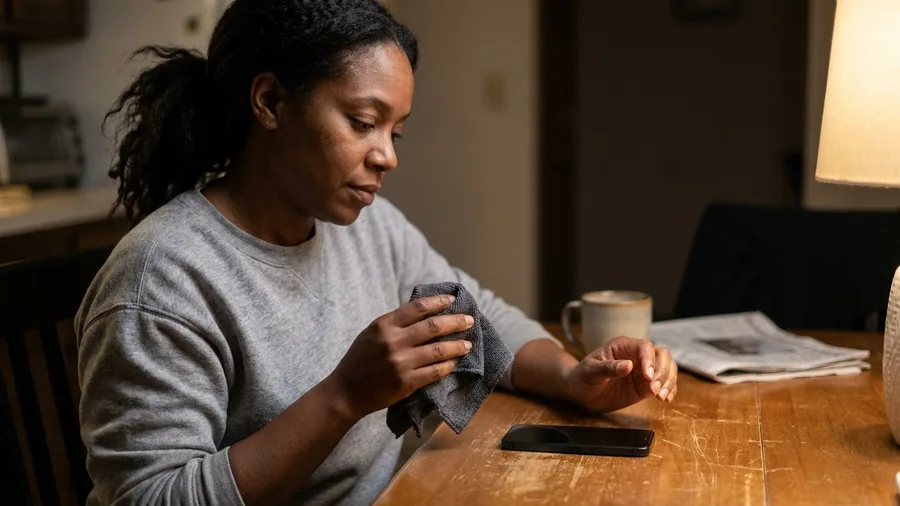
With the bottles, the paper towels and the air can all out of the picture, what is left takes half a minute.
Pull the charging cable, hold the side button until the slider appears and swipe it off. Then pick up a microfibre lens cloth, run it under the tap and wring it until nothing more comes out.
That is the whole test for damp: if the cloth would leave a visible bead on the glass, it is still too wet for the phone.
Wipe the screen and the back with the damp cloth, keep it clear of the charging port and the speaker slots, then turn the cloth to its dry corner and buff the streaks away.
Some spills do not keep. Apple says to clean on sight after contact with dirt or sand, ink, makeup, soap, detergent, acidic foods or lotion.
A phone set down in sunscreen on a picnic table gets wiped before it goes back in the pocket, not the next morning.
The same pass pays off twice on certain models. On the iPhone 15 Pro, 15 Pro Max, 16 Pro and 16 Pro Max, skin oil can shift the color of the outside band, and a soft damp cloth restores the original look.
What to keep, what to bin
Keep on the shelf
- 70% isopropyl alcohol wipes for disinfecting
- One microfibre lens cloth, washed regularly
- A second cloth in a drawer as backup
- The power-off habit before every wipe
Throw out or put away
- Window cleaner, ammonia sprays, acetone
- Bleach and hydrogen peroxide disinfecting wipes
- Paper towels, bath towels, shirt sleeves
- Compressed air cans, UV boxes as a primary cleaner
Apple Approves Exactly Three Disinfecting Options
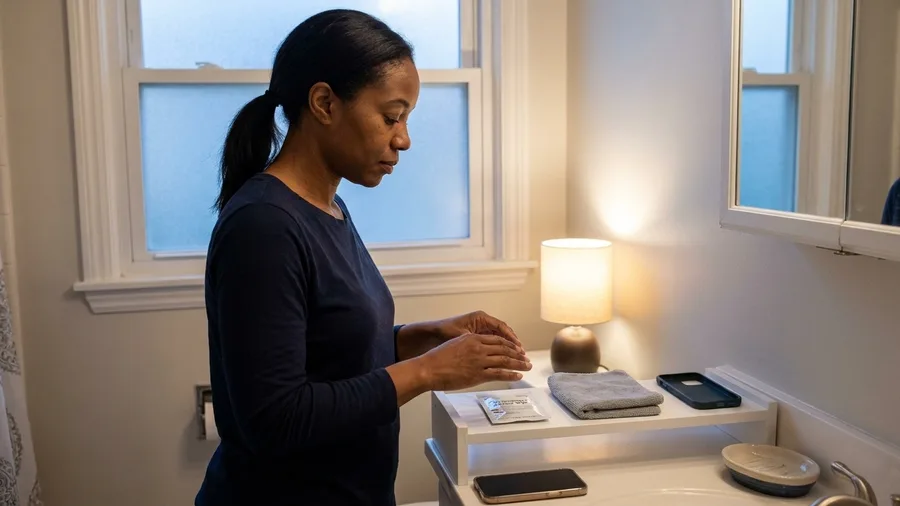
The damp cloth deals with what you can see. Germs are the part you cannot, and for those Apple approves exactly three products: a wipe with 70 percent isopropyl alcohol, a wipe with 75 percent ethyl alcohol, or a Clorox Disinfecting Wipe.
All three go on the exterior only, wiped gently, and that is the complete list.
The rules do not relax because the product is approved. Nothing drips into the openings, the phone never goes under, and the wipe touches the phone rather than a spray hitting it.
One wipe over the glass and the back takes about 15 seconds, and the case comes off first so the edges get the same pass.
Why bother at all: University of Arizona researchers, reported by Yahoo, found phones can carry up to 10 times the bacteria of a common toilet seat.
The phone rides in a pocket, sits on a restaurant table and comes to the bathroom, so a daily wipe earns its place.
If you buy one thing, make it the 70 percent isopropyl wipe. It sits in the drawer, works on the case as well as the phone, and costs a few dollars for a tub that lasts a month.
UV sanitizers at a glance
📱 PhoneSoap price
Around $60 on Amazon
⏱️ PhoneSoap cycle
10 minutes
💵 Homedics price
$10
⚡ Homedics cycle
10 seconds, one surface at a time
🦠 What both claim
Kills 99.99% of germs
🧴 What neither does
Removes oil, fingerprints or grit
The cloth still does the cleaning
A UV box kills germs but leaves the smears where they were.
UV Sanitizers Kill Germs but Don't Clean Glass
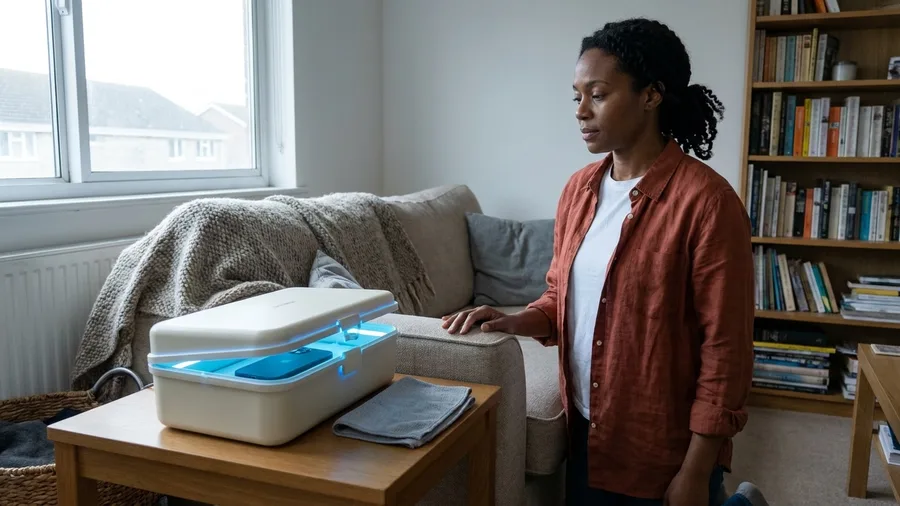
A wipe still leaves a thin film of alcohol behind, so a reader who wants the germs gone without any liquid touching the phone ends up looking at UV boxes. Here is what the two best-known ones actually do.
PhoneSoap sits at around $60 on Amazon and runs the phone under UV light for a full 10 minutes.
The Homedics UV Clean Portable Sanitizer costs $10 and finishes in 10 seconds, but it treats one surface at a time, so the back needs a second pass.
What neither one does: lift a single fingerprint. UV light kills germs and never touches oil, grease or pocket grit. The cloth still goes first, every time, so a sanitizer works only as an extra step.
That matters most for the reader whose whole complaint is a greasy screen. Ten minutes in a PhoneSoap and the phone comes out with the same thumbprint over the camera. The box has done its job and the glass still looks dirty.
Buy one if you want germ reduction and refuse to put liquid anywhere near the phone. The $10 Homedics unit delivers most of that. Skip it if you only want a screen that looks clean, because the cloth is what does that.
The same phone, before and after
Frequently Asked Questions
Can I use hand sanitizer on my iPhone screen?
Only if it is at least 70 percent alcohol, and only as a wipe. Apple approves 70 percent isopropyl or 75 percent ethyl alcohol wipes for the exterior. Gels with fragrance or moisturizers leave a residue on the coating, so a plain wipe is the better choice.
How do I know if my oleophobic coating is already gone?
Smudges stop wiping away easily even with a clean, dry cloth, and the glass feels slightly tacky under a finger. That is coating wear, not dirt. No product restores it, but a tempered-glass screen protector gives you a fresh surface at low cost.
Is it safe to use a UV sanitizer every day?
Yes, as a germ-reduction step, but it will not clean the screen. A UV box leaves oil and fingerprints where they were. Use the cloth first, then the box if you want, and keep the box away from liquid entirely.
What should I do if liquid does get inside my iPhone?
Power it off immediately, do not charge it, and take it to Apple or an authorized service provider. Liquid damage is excluded from the standard warranty and AppleCare, though consumer law rights may still apply in your country.
Can I clean the camera lenses the same way?
Yes — a soft, slightly damp lint-free cloth is safe on the lens covers. Skip alcohol on the lenses, since it can leave streaks. A dry microfibre pass afterward clears any haze.
Do I need to power off before every wipe?
Apple recommends powering off and unplugging before cleaning. For a quick smudge mid-day, a dry lint-free cloth is fine with the phone on. For any damp or alcohol wipe, power off first.
What goes first, what stays, and what to buy
The glass cleaner and the paper towels go. The 70 percent isopropyl wipe and one lint-free cloth stay. And the phone gets unplugged and powered off before it is wiped, every time.
UV boxes: worth it for someone who wants germ reduction with no liquid near the phone, skippable for someone who only wants a clean-looking screen. The $10 Homedics gets most of it; the $60 PhoneSoap adds a longer cycle for the price.
Your first action tonight: find one microfibre lens cloth, put it where you charge the phone, and throw out the paper towel roll you have been using. That is the whole fix.