
Saving the gym card as a Wallet pass takes about 6 minutes by hand, against about 40 seconds on an iPhone 13, with a 10-second check that the barcode scans. That gap is the list.
The features that got the attention in iOS 27 were the Liquid Glass transparency slider, faster app launches and StandBy on every supported phone. The useful ones are buried in Settings, and none of them made the release notes.
Four of the five below sit behind a hidden toggle or an unlabeled control.
The fifth has no setting to enable at all, which is why it is the fastest. iOS 27.3 is the example throughout, and iOS 27 runs on iPhone 11 and later, including the second-generation iPhone SE.
Each feature comes with the exact path to it, the one catch that decides whether it earns its place in your day, and the minutes it pays back. Some of the catches cost you the feature.
You will know which to switch on first, and one of them can be working in the next minute without a release note in sight.
1. Wallet Passes From a Photo
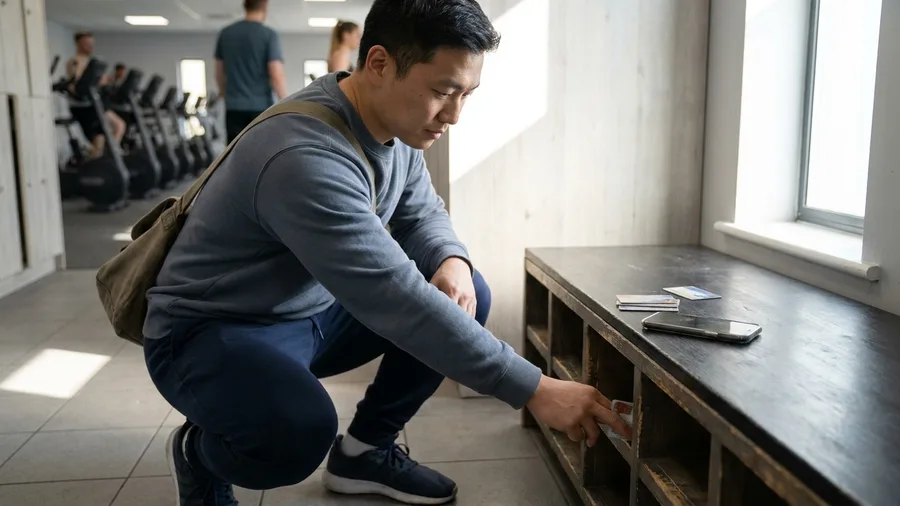
The gym card lives in a slot behind your debit card, and you fish it out with a bag on your shoulder and a queue behind you. The coffee shop stamp card is worse, because the barista has to find the pen.
Wallet on iOS 27 turns one photograph into a pass that sits in the same stack as your boarding passes and credit cards. On the iPhone 13 that means Wallet, a custom pass, a shot of the card, then save. Setup runs about a minute.
The card now opens with a double-tap of the side button, so at a 7 a.m. turnstile the pass is up before you reach the gate. The coffee card works the same way at the counter.
The catch: this is a picture of a card, not a link to your gym account.
Check-ins, class bookings and balance updates still live with the gym, so keep the plastic handy until the photo pass scans cleanly at the door, maybe a week or two.
Then it is one less card in the wallet. The whole setup is a single photo, which makes this the cheapest item here. The payoff is a pass two taps from a locked screen, every morning you train.
💡 Tip: Photograph the card flat on a dark surface in daylight. Reflections on laminate are what make a barcode unscannable, not the angle.
2. Shortcuts Written in Plain English
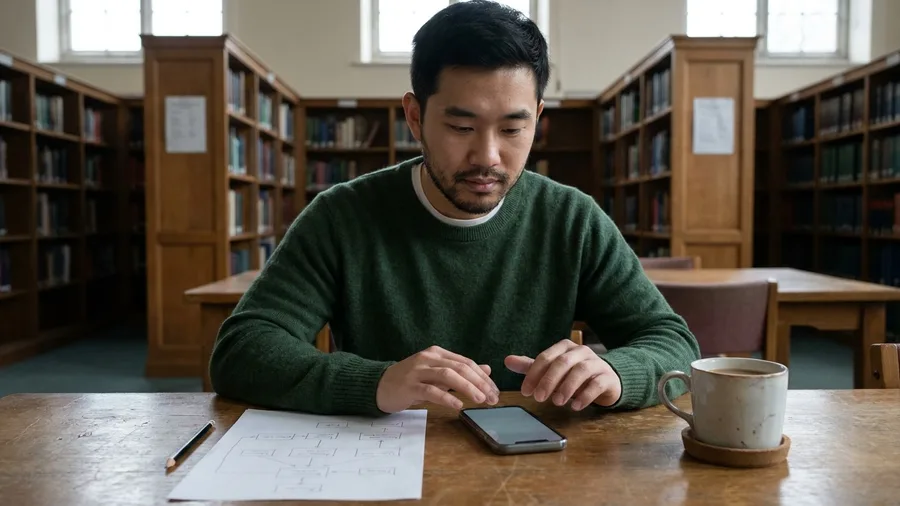
One sentence and about 10 seconds in Edit produced a working shortcut. That is the pitch, and it holds for simple jobs where the trigger is a notification the phone already shows.
In Shortcuts, type the request in plain words and let Apple Intelligence build it. Tap Edit, set the app and a title filter, and it fires whenever the front desk's parcel notice lands.
The limit: the Cloud models carry a daily cap, so a heavy day drops you to the on-device model or a wait. Do not hand it anything touching private files. Build those by hand.
3. Safari Page-Change Alerts
Prompt to copy
In Safari on iOS 27, turn on Notify Me for one product page for a sold-out pair of running shoes. Watch only the price and the in-stock line on that page. Notify me once a day at 8 a.m. Leave the rest of the site alone.
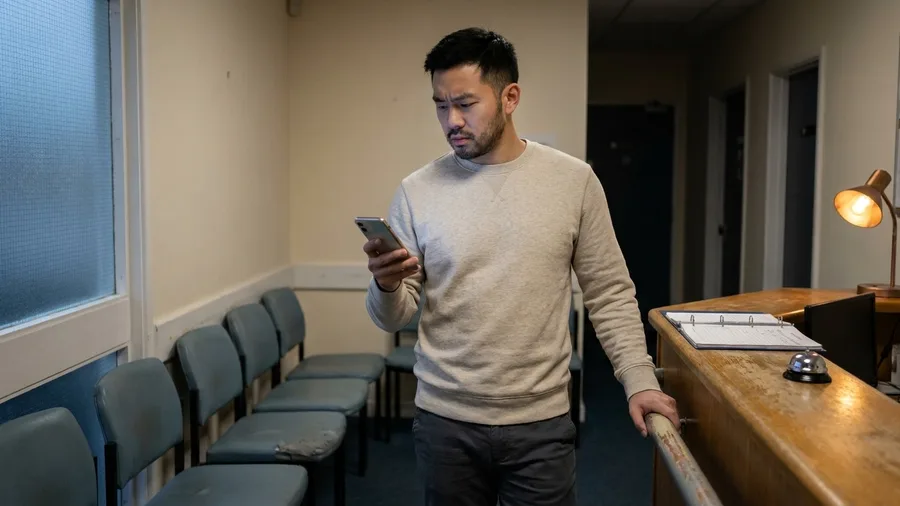
Notify Me does exactly that: it watches one page for the change you name and pings you on the schedule you choose. The whole setup takes under a minute in Safari, on the page itself.
The same holds for a clinic that opens appointment slots now and then. One page is watched, and nothing else on the site is scanned, so a quiet week means a quiet week.
The check: after a day, confirm the alert fired on the line you chose and not a sidebar. If it stays silent, widen the watched text and set the schedule again.
The iOS 27 Words You Will Meet in This List
4. Voice Notes at 2x Speed
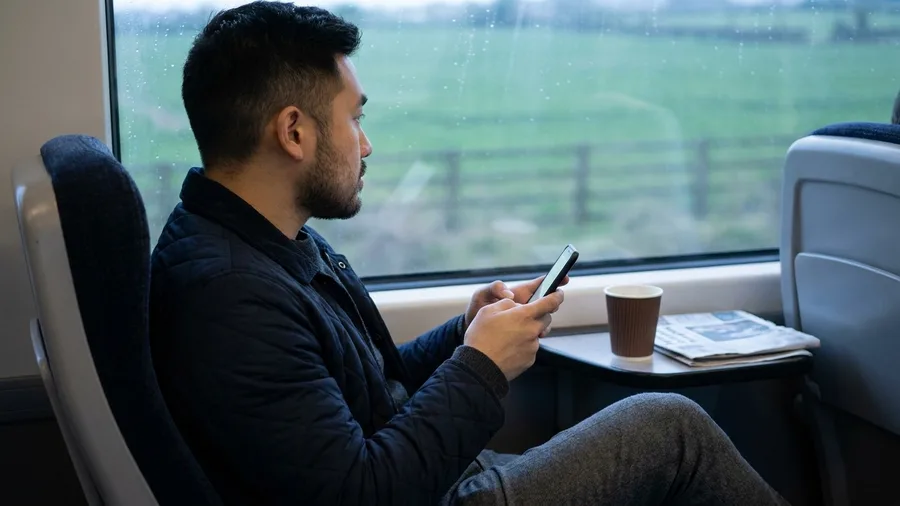
Long voice notes are the part of the day that a background watcher cannot touch, because the audio is already sitting in your message thread.
Playback in iOS 27 runs at 1x, 1.25x, 1.5x, and 2x, and the speed bubble sits on the voice note's message bubble. Open the note in Messages and tap the bubble until it reads your speed.
The catch is that this bubble is per note. There is no switch in Settings to set once, so every new voice note starts back at 1x until you tap it again during playback.
A 20-minute update from a colleague finishes in 10 minutes at 2x, and a 6-minute note in a familiar voice takes 4 minutes at 1.5x. Go 1.5x for voices you know and save 2x for long updates where only the gist matters.
Which Speed for Which Voice Note
Worth speeding up
- A 20-minute colleague update where you need the decisions, not the small talk
- Familiar voices you can follow comfortably at 1.5x
- Long group notes you only need the gist from
- Any note you replay twice — speed it up on the second pass
- Notes you have already heard part of, resumed at 2x
Keep at 1x
- Numbers, addresses and account details you will write down
- A first note from a new client or contractor
- Anything with instructions you will act on the same hour
- Accented or quiet recordings where words blur at speed
- Legal, medical or money details you may need to quote back
5. Hidden Photo Star Ratings
The rating control in Photos ships switched off, so no picture can show stars and no long-press brings them back until you find it.
It hides behind your profile picture in the collection view, not in the main Settings app. Open Photos, tap your profile picture, enable the rating control, and stars appear on every shot.
Then sort a 200-photo shoot in one pass: five stars for client selects, three for frames to edit later. Nobody needs a new album for the shoot. By hand, the same 200 shots meant scrolling and building an album, roughly 15 minutes at the desk.
With the control on, the pass takes about 4 minutes, and your checking is a quick scroll back through the five-star set to catch a misfire. Finding one starred frame later takes seconds instead of another hunt.
Two times: about 15 minutes by hand against about 4 minutes with ratings on, plus 2 minutes to check the picks.
⚙️ Set Up All Five, In This Order
Photograph the gym card
Open Wallet, start a custom pass, photograph the card, and scan it at the door before you leave it at home.
Write one Shortcut in a sentence
Type the request in Shortcuts, let Apple Intelligence generate it, then tap Edit to set the notification trigger and the app filter.
Point Notify Me at one page
Open the product page in Safari, turn on Notify Me for the price change, and choose your alert schedule.
Set the voice note speed
Play a long note in Messages and tap the speed bubble to 1.5x or 2x while it plays.
Turn ratings on in Photos
Open Photos, tap your profile picture in the collection view, enable the rating control, then star your latest shoot.
Frequently Asked Questions
Which iPhone do I need for these five features?
An iPhone 11 or later, including the second-generation iPhone SE. iOS 27 runs on all of them. The features work the same on the older phones in that range, and the example device here is an iPhone 13 on iOS 27.3.
Do any of these cost money?
No. All five are built into iOS 27. The one that touches a limit is Shortcuts, where the Cloud and Cloud Pro models carry a daily rate limit set by Apple. The on-device model handles daily automations without spending that limit.
Will a Wallet photo pass work at my gym turnstile?
It scans wherever the barcode on the original card scans, because it is the same barcode. Your gym account, class bookings and balance updates stay with the gym, so this pass replaces the plastic in your wallet, not the gym's app or account.
Why do the stars still not appear in Photos after the update?
The rating control is off by default. Open Photos, tap your profile picture in the collection view, and enable the rating control. The stars appear on photos from that point, and you rate the shoot in one pass rather than hunting for an album.
Can a plain-language Shortcut request replace learning the Shortcuts editor?
For a single daily automation, yes. Type the sentence, let Apple Intelligence generate the shortcut, then tap Edit to check the trigger and actions. Complex, multi-step automations still need editing, and that is where the editor earns its keep.
Does Notify Me watch the whole store or just one page?
One page. You name the specific change on the page you opened, such as a price drop, and set the schedule for the alert. If the item moves to a different listing, start a new alert on the new page.
The Smallest Tap on This List Wins
If you want one feature working before you finish reading, turn on voice note speed and nothing else. Play your longest note, tap the speed bubble to 1.5x, and the minutes come back on the next note without any setup.
Then photograph the gym card and scan it once at the door. Between those two, you have recovered the most time for the least work on this list. The rest can wait for a quiet Sunday.