
Every pitch promises the app will change how I work, and the first real job usually proves otherwise. I have installed and tried more than 1,000 AI tools on my phone over three years in Austin, and most died inside a week.
Roughly 60 made it past the first week. Twelve hold an icon today, on one page, with no folders and no widgets, each reachable in a tap and useful in under two minutes.
Almost nothing got deleted for being bad. It got deleted for losing to an app already on the screen, and the 12 slots are full, so a newcomer has to push one off.
Writers should start with ChatGPT, video makers with Descript, and anyone who wants a sourced answer with Perplexity. Install one tonight, then run the one-week test below before a second is allowed on.
The figures in this article are one illustrative example, not typical results.
| App | The job it owns | The catch to know first |
|---|---|---|
| ChatGPT | First outline, rewrites, plain-English explanations | Personal chats may train models unless you switch it off |
| Claude | Long PDFs and manuscripts marked weak in order | Invents quotes and citations that look real |
| Gemini | Questions about your own Drive files and mail | Personal and work accounts look identical |
| Perplexity | Sourced answers you can cite | Fabricated sources arrive with full confidence |
| Copilot | Summaries and drafts inside Word and Outlook | Consumer app differs from the work version |
| Otter | Searchable transcripts and call summaries | Recording needs consent and policy checks |
| Canva | Thumbnails and square posts made on the phone | Disclosure rules for testimonials and affiliate links |
| Descript | Video cut by deleting transcript text | Mass-produced video can't earn YouTube ad money |
| ElevenLabs | Voiceover recorded from a written script | Never clone a voice that isn't yours |
| Adobe Firefly | Described images stock libraries don't have | You answer for copying a brand or likeness |
| Zapier | Moving files and notes between your other apps | Silent loops run for days before you notice |
| Notion AI | Finding decisions buried in your own notes | Stale pages produce confident wrong answers |
1. ChatGPT, the blank-page app
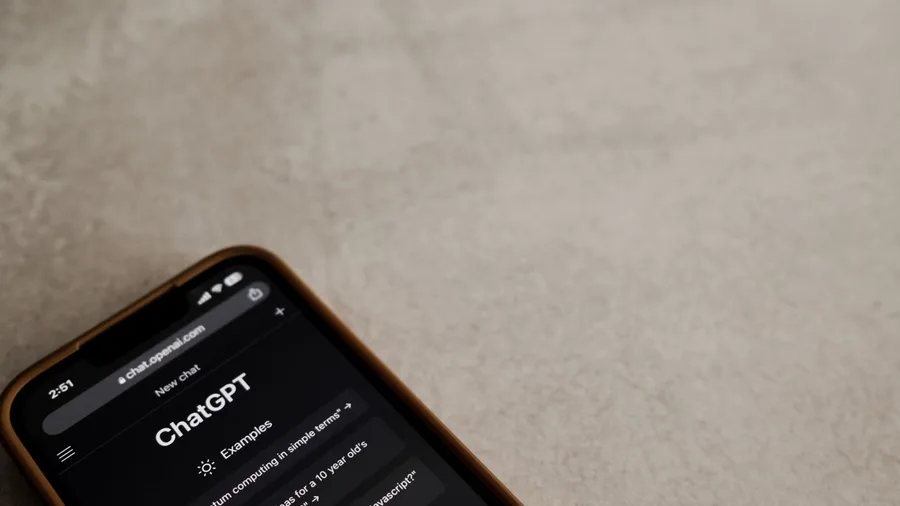
A 400-word rewrite came back in 40 seconds. Doing that paragraph by hand takes me about 15 minutes, and checking the result against the original adds 3. About 18 minutes against a blank page that used to cost 20.
ChatGPT owns three of my weeks: the first outline of the day, a rewrite of someone else's paragraph, and a plain-English explanation of a document that lands at 9pm. One page, twelve icons, no folders.
Free and personal plans may use my chats to improve the company's models unless I switch that off in settings. So settings open, model improvement off, and never a password, client file, or medical or financial record pasted into a chatbot.
💡 Tip: Save one reusable prompt for the rewrite job. Mine names the audience, the word count and the tone, and it saves ten minutes every time.
⚠️ COMMON MISTAKE
Switching model training off after the first upload
Switching chat history and model training off is a settings job, and it has to happen before the first confidential paragraph, not after it. Open the app's settings, find the data controls, and turn off the option that lets your chats improve the models.
2. Claude, for documents longer than a screen
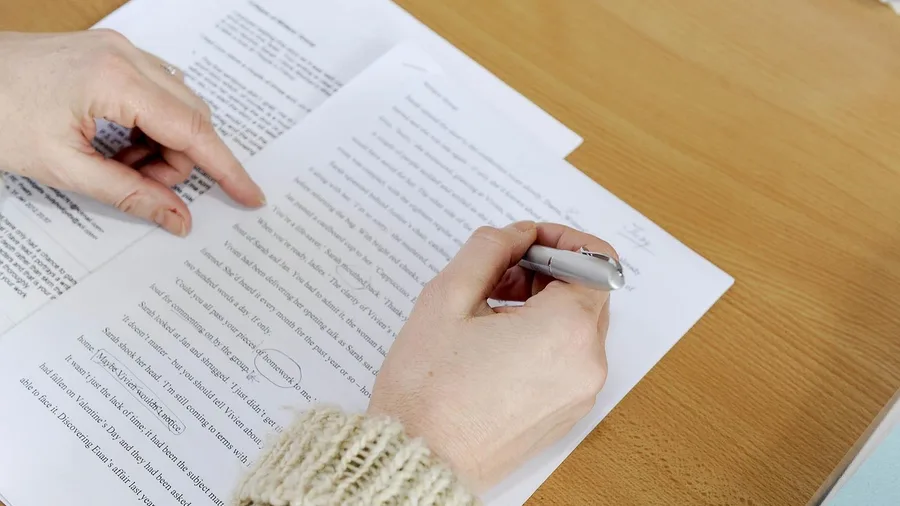
A forty-page manuscript is where a chat window stops helping: it hands back a tidy summary and swaps my sentences for smoother ones.
Claude keeps my wording and walks the pages, so the fix list reads like a route through the document, page by page, in order. Upload the worst file in your folder and ask what a reader would skip.
Keep the page numbers; they land the same in a browser tab or a printout.
The catch: on a 62-page contract last spring it produced a citation so clean I nearly quoted it, and the clause does not exist. Open every quote and link against the source before publishing.
For KDP books, declare AI-generated text, images or translations when publishing; editing your own writing with AI does not count, and buyers never see the declaration.
3. Gemini, the assistant already in your Google account

Gemini answers questions about my own Google Drive files and mail, inside the account where those files already sit.
Moving a 60-page report into a separate chat app costs me about 8 minutes of exporting, re-uploading and re-reading the first pages. A question typed straight into Gemini takes under a minute. That 7-minute gap, twice a week, is 14 minutes I do not spend.
Check which Google account is signed in first, because personal and work look identical in the app. Free-tier limits shift and a task can stop midway, so the numbers live on its own pages.
The math: about 7 minutes saved per long-document question, twice a week, on a free tier with no charge.
💡 Tip: Rename your key Drive folders with a short prefix. Gemini finds a labeled folder far more reliably than one named "Stuff 2024".
What a week of AI work actually costs
Prices as of October 2026. Every plan name and limit changes; check each app's own pricing page before upgrading.
4. Perplexity, for answers that come with sources

A fact has to survive being repeated to a paying client, so I need the paper trail, not just the sentence.
Perplexity gets a question I am already late on: what does that term in a contract actually mean, or is this claim about a platform rule still true in October 2026?
It comes back in about two minutes with a short answer and a numbered list of links under it, which is why it sits one tap away and a search page does not.
Step 1: Type the question the way I would say it out loud, then add one line naming the year and asking for sources from official pages only.
What you see: a tight answer with numbered citations, not a wall of prose. The list of links under it is the product.
The catch: Perplexity manufactures sources and quotes that look exactly like the real ones. A citation being listed proves only that a line exists on the page.
Open every link and read the sentence it supposedly supports before it goes into a draft. One number I pulled for a client newsletter matched the article but not its year.
It stays a research desk. Ask for a long draft and it writes thin, hedged paragraphs a laptop tab does better anyway.
The two-minute calibration: run a question whose answer I already know cold, open what it cites, and watch how close the match runs.
That tells me how much checking this thing needs before I trust it on a fact I do not know.
💡 Tip: Ask for the source date in the question itself. It filters out links from five years ago that no longer describe the current rules.
5. Copilot, the one that lives inside Word

The problem: a sourced answer is only half the job when the sentence it becomes has to land in a document open in Word, on the account my employer already pays for.
Moving it there by hand means copying out of one window and pasting into another, over and over, all week. Copilot skips that trip because it lives in the window the draft is already in.
Last Tuesday a client thread ran 28 messages and I had four hours to turn it into a project summary.
I signed in with my work login, opened the document, and asked Copilot to read the thread and draft the summary above the notes I already had.
It came back in under a minute with three paragraphs, and the client names were spelled right.
The catch: the Copilot in a company's Word is not the Copilot in the consumer app, and a feature from a demo can be missing on my plan.
Check what my account includes on its own pages before I count on anything. Mine had no access to the folder where the archive lived, so a summary of older threads never happened.
Setting it up once takes about 15 minutes: pin the button in the ribbon, sign in with the work account, and name a default style.
After that the file never leaves the window, no copy-paste, no third app open on the phone. The week's client draft goes out from the same screen it was written on.
Who skips it: anyone without a Microsoft account, or anyone whose long-document job is already covered by another icon here. Then Copilot is second-best at work I already own.
If my employer pays for Microsoft 365, though, the fastest check is signing in with that work account and having it summarize one long email thread.
6. Otter, the meeting notes you never take

Prompt to copy
Here is the transcript of my 40-minute client call. Give me a 5-line summary, then a list of every decision we made and every action item with the owner's name. Use only what was said. Mark anything unclear as unclear instead of guessing. Keep it under 200 words.
The result: about 4 minutes after the call ends, a searchable transcript and a short summary are waiting, before I have left the desk.
The catch: recording rules and workplace policy vary, so I tell the other people on the call and check the state's consent rules and the company's policy before the first recording, not after.
The payoff: record one internal call I already have permission for and compare its summary with my own scribbles. The gap is the argument.
The catch: the free tier's minutes and storage decide whether it fits my call volume, and the current allowance lives on its own pages.
7. Canva, the thumbnail factory in your pocket
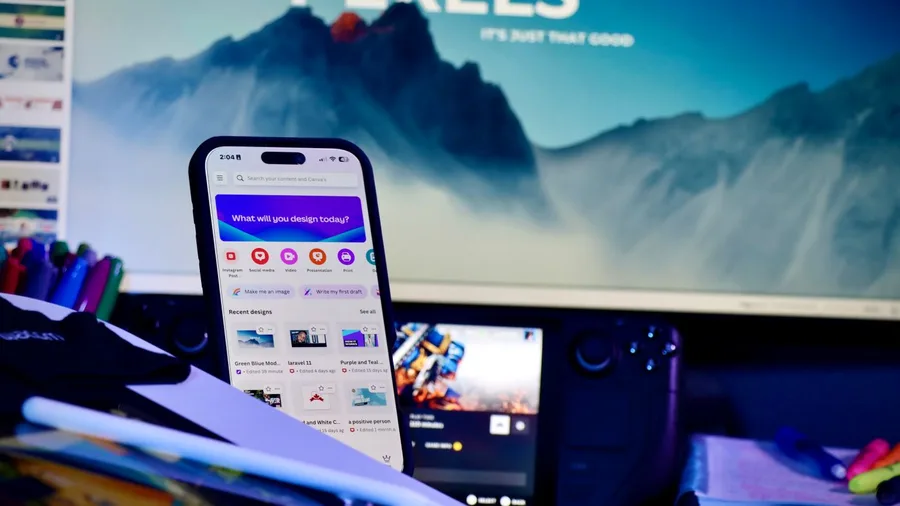
Prompt to copy
Write three versions of a YouTube thumbnail headline for a 9-minute video on cutting a talking-head clip to 90 seconds, in Canva on my phone. Six words max each, all caps, no clickbait, leave a clear strip at the bottom for a sponsor disclosure line.
That prompt rides along in a Canva text box next to a photo from the shoot. One export becomes a 1280 by 720 thumbnail and a 1080 square post. My clock stopped at 11 minutes, and the video was still uploading.
It beats a laptop tab because the thumbnail is the design job I repeat every week, and it fits the dead time while a video exports.
The catch: if the graphic shows a testimonial or a partner link, a clear disclosure goes right beside it. Since October 2024 the FTC has banned fake reviews, AI-written ones included.
Templates also make a channel look like every other one, so I retype the headline in another typeface and recrop the face off-center.
That last part matters every week. Tonight I built one master template; the next ten thumbnails should start from it, so ten minutes once replaces twenty minutes seven days a week.
8. Descript, the video editor that edits text
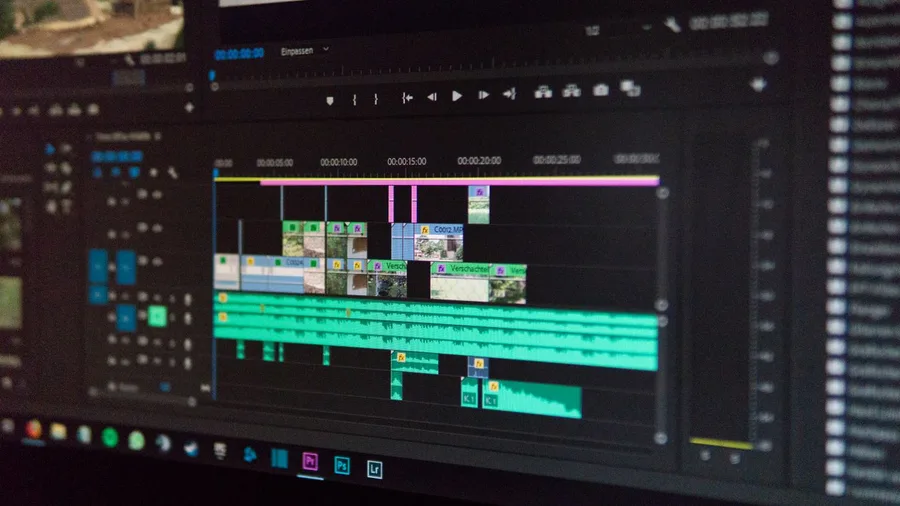
You know the grind: 40 minutes of raw recording, and every pause, "um" and false start has to be found and cut out on a smartphone screen. Dragging a playhead with a thumb is the worst part of making video.
In Descript I delete those mistakes from the transcript instead, and the video clips out under them, captions following along. A 31-minute talking-head take came out of last Tuesday afternoon as a clean 11-minute cut in 34 minutes of thumb deletes and checks.
Of the 1,000+ tools tried over three years, this was the only editor still opened in week two.
The catch is YouTube: since July 15, 2025 its Partner Program calls mass-produced or repetitive video inauthentic and bars it from ad money, so a template-and-upload channel earns nothing however fast the edit.
Realistic footage altered or made with AI also needs its checkbox at upload.
The ledger: 34 minutes to cut the 31-minute take, $0 spent, one video from that cut earned me $140 in a direct sponsor deal after four weeks on the channel. The tool's own pages hold today's plan prices.
💡 Tip: Delete the words, not the pauses, in the first pass. The cut reads more naturally when you hear where the sentence actually ended.
What earns a permanent icon, and what gets deleted
Kept
- Owns one job you do every week
- Beats the laptop browser tab
- Useful in under two minutes
- One tap from the home screen
- The catch is documented and checked
Deleted
- Does ten things adequately
- Needs three taps to be useful
- Only good at a demo
- Duplicates an app you already have
- The catch shows up after you rely on it
9. ElevenLabs, the voice booth with no microphone
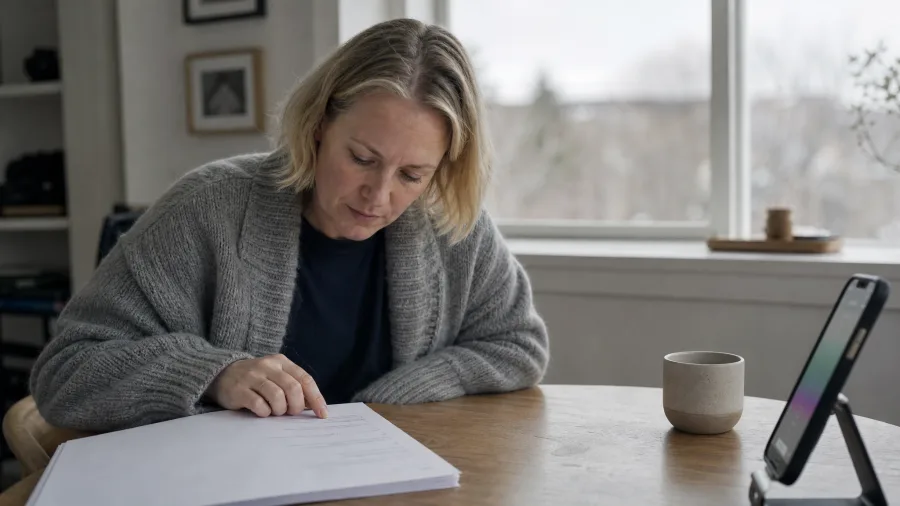
Prompt to copy
This is a 90-second narration from my own script. Read it in a calm, warm voice at a steady pace, with a slight pause after each full stop and a little lift on the three questions. Keep the tone friendly, not salesy, and do not add words.
That prompt fixes the two things that ruin a take made at my desk: a loud room and a rushed pace. I typed it at 9:40 one night and got a clean 90-second track back, no blankets and no retakes.
The cut video was finished and silent; the narration was the last hole in the week's upload. I fit the track in under the pictures in 14 minutes, and for once nobody could hear the fridge.
The limit comes first with voices. Cloning a colleague's voice or a celebrity's is not mine to do; I use my own or a licensed one.
My plans also decide where a track can run commercially and what I must tell listeners, so check the tool's own pages.
Where it should not go near the job: a script full of my own jokes, names and timing needs my mouth, not a synthetic one. For the 90-second explainers I publish weekly, it earns the icon.
Paste one paragraph of an old script, listen for a misplaced emphasis, and fix the punctuation rather than a single word. The take improves without recording again.
10. Adobe Firefly, for images you can describe

Twenty minutes was my stock-library average for one header image, most of it scrolling past photos of people shaking hands.
The one I wanted that Tuesday was odd and specific: a single desk lamp glowing over a dark kitchen table, no people. No library has that.
Adobe Firefly gave me three usable options in about a minute.
The description is simply faster to type on a phone than a search is to refine. I wrote the lamp, the table, the mood, and got versions close enough to pick from before my coffee cooled.
It stays useful in a browser tab too, which is why it had to beat the tab to earn the icon. It did, barely.
The catch is ownership. Most leading tools let me sell or use what I make, but I am the one responsible for not copying someone else's work, brand or likeness.
Keep the description generic and the faces out. What the free tier allows and what license ships with an export live on Adobe's own pages, not here.
What it took: one prompt, roughly a minute, three options, one keeper. That last part matters. The winner was the export I never opened again, because it needed no retouching. Six months of needing this image ended in a minute of typing.
11. Zapier, the wiring between your other apps
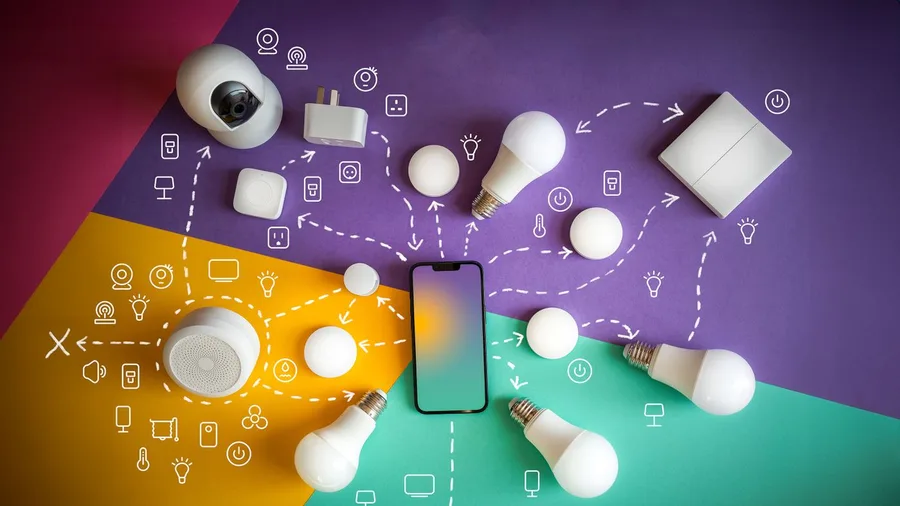
These apps produce files and words, and nothing moves those files unless something remembers to. A transcript finishes at 4pm and sits in the wrong folder by Friday. That gap is the job.
My first routine took eleven minutes to set up: a form entry creates a client note and a task in my project board.
Test it with a throwaway entry, because a bad automation loops or files wrong for days before anyone notices. Check both apps' pages for what the plan allows to move.
The ledger: eleven minutes to build, four weeks before the first paid client came through that form, about $40 in subscription over those weeks, and one small retainer worth $300.
The rule before adding a second routine: let the first run seven days and watch it work.
💡 Tip: Add a step that sends you one notification a day while a new routine is in its first week. Silent failures get loud fast.
12. Notion AI, the search engine for your own notes
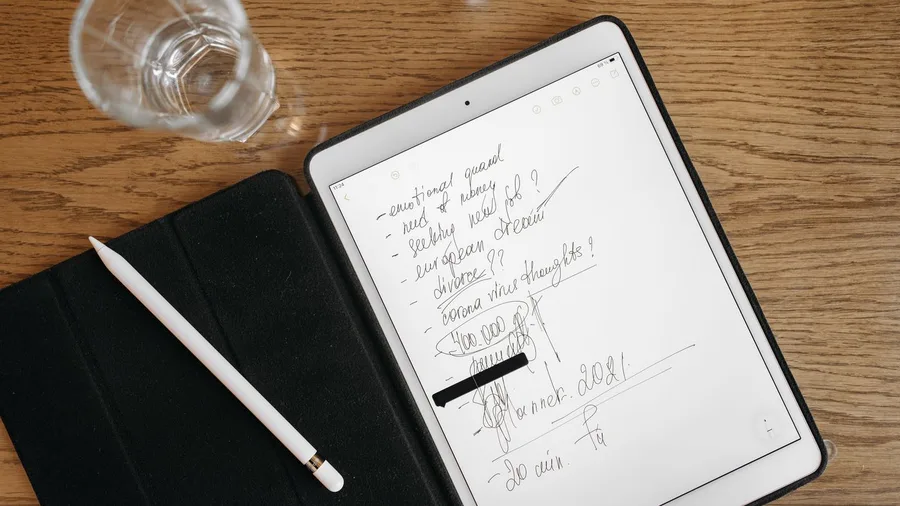
A half-written project page will get you a confident wrong answer, so tidy the source before you ask.
Last month I had left a budget line unchanged since spring, and Notion AI handed me the old number with a straight face.
Open the page, fix the stale line, then ask your question.
Step one: open the project page a client asked about and check the last edited date. If it is more than a month old, read it before you trust it.
The AI answers only from what the workspace holds, and a page nobody has touched in six weeks misleads.
Step two: ask it to summarize the project page for someone who was not in the room, and read the summary against the page itself.
Step three: if the summary carries a detail that is wrong, edit the page and ask again. That correction is the whole habit.
Not an answer from the world's sources, just my own notes read back to me. Nobody in the room six months ago remembers the decision I need.
If your notes are scattered across apps, an empty workspace gives this tool nothing to search and the icon is wasted. Anyone who already keeps notes in one place gets the payoff: a question I would answer by scrolling, closed in under a minute.
The one-page home screen, at a glance
📲 Layout
12 icons, no folders
🧪 Tools tried
1,000+ in 3 years
🕐 Survived week one
About 60
✅ Minimum use
Once a week
⚡ Setup ceiling
Under 2 minutes
🔁 New app rule
Must displace one
The filter
Twelve slots are full, so a new app has to beat one that is already there.
Frequently Asked Questions
Do I need to pay for any of these twelve?
No. Most of them run a usable free tier with limits that change often, and I started on free versions of all but two. Check each app's own pricing page on the day you install it, because limits move more often than reviews get updated.
Is it safe to upload client documents to these apps?
Treat every upload as a decision, not a default. Never paste passwords, full client files, or medical or financial records into a chatbot, and switch off model improvement in settings where the option exists. For anything confidential, check your client contract first.
How long before I know whether an app deserves a spot?
One week of real work. Run the app on the job you actually do, not a demo task, and count the minutes against the laptop tab. If it has not beaten the tab by day seven, delete it and stop paying attention to that app.
Can I earn money using these apps?
Some of them help produce work you can sell, such as video, voiceover and images. The money comes from finding buyers, not from the tool, and every platform has rules: YouTube's ad program rejects mass-produced video, and Amazon KDP requires you to declare AI-generated content. Results depend on your clients.
Which one should I install first?
Pick by your main weekly output. If you write, start with ChatGPT. If you make video, start with Descript. If you need answers you can cite, start with Perplexity. Add the second app only after the first survives a full week.
What happens when a better app comes along?
It has to displace one of the twelve. Run the new app against the job of an existing icon for a week. If it wins on time and the catch is one you can check, swap them. If not, delete the new one and keep the screen as it is.
Which icon to install first, and the week that decides the second
Writers install ChatGPT first, with model improvement off and one saved rewrite prompt. Video makers install Descript first and cut a five-minute clip to ninety seconds by deleting text.
If you only want sourced answers, install Perplexity and try it on a question you already know the answer to.
Then run the week. A second app has to earn an open at least once a week on real work and beat the same task in a laptop tab. The 12 slots are full, so name the icon it displaces first.
Three years in Austin, over 1,000 installed, roughly 60 past week one, 12 icons on one page with no folders and no widgets. A full home screen is the achievement, and it works because it refuses a thirteenth.