
Sixty gigabytes free on a PS5 Slim, 90GB on a Series X, and a game that wants 212GB before it will even start downloading. That is the real screen most people are staring at this week.
The good news: on the example PS5 Slim, deleting two finished games and moving the clips folder covers the whole gap. Not a cent spent, under an hour of work. Everything past that is a purchase decision, and the purchase differs by console.
By the end of this guide you will know your own shortfall in gigabytes, which free moves close it, and exactly which drive or card to buy if they do not.
Every route gets the same three questions: how much of the 212GB does it close, what does it cost, and will the game actually run from it.
| Route | PS5 | Xbox Series X|S | Cost in this example |
|---|---|---|---|
| Delete finished games (120GB, 95GB, 60GB) | Frees up to 275GB; plays normally | Frees up to 275GB; plays normally | $0 |
| Move captures folder (~40GB) | Frees ~40GB; clips go to USB | Frees ~40GB; clips go to USB | $0 |
| USB extended storage | Store only, no play | Store only, no play | Drive price, buys no playable space |
| Physical disc | Download code in box, installs to SSD | Download code in box, installs to SSD | Full game size regardless |
| Expansion drive | M.2 NVMe with heatsink, 250GB to 8TB | Xbox expansion card only | PS5 $156.25-$174.99 for 1TB; Xbox ~$240 for 1TB |
Free space first
Before a single dollar leaves your account, there is usually enough dead weight on the drive to cover the gap. The example machines in this guide are a PS5 Slim with 60GB free and a Series X with 90GB free.
That is a 152GB shortfall on the PlayStation and 122GB on the Xbox. Both can be closed without buying anything, and the order below closes them fastest first.
1. 212GB of available space, not download size
Prompt to copy
I own a PS5 Slim showing 60GB free, and GTA 6 needs 212GB of available space. Work out my shortfall as 212 minus my free figure, and repeat the math for an Xbox Series X showing 90GB free. Show both subtractions line by line.
Paste that into any chat assistant. It returns 152GB for the PS5 Slim and 122GB for the Xbox Series X, in seconds, and holds those two figures steady as a reference card you keep beside the console.
The number you subtract is real free space, not the size of a download. Rockstar's requirement is up to 212GB of available storage before the install begins, per Gadgets 360 in November 2026.
Free space shows under the storage section of Settings on PS5, and Settings then System then Storage devices on Xbox.
Quick check: every route here is scored against your own figure, 152GB or 122GB, never against 212.
💡 Tip: Write the shortfall on a sticky note and keep it next to the console. You will check it after every step.
Specs and prices as of November 2026; check the manufacturer page before buying.
2. Deleting finished games frees the most, fastest

The catch comes first: deleting a game is permanent until you reinstall it. A 95GB open-world title can take hours to download again, and on a capped connection it eats a chunk of the monthly data allowance.
Saved progress is fine. Game saves sit on the console separately from the installed files, so the save is still there when the game comes back.
The safe way is to work from the shortfall outward. The example library holds three games worth 275GB: a 120GB shooter, a 95GB open-world game and a 60GB sports title.
A PS5 Slim 152GB short needs 152GB, and deleting the open-world game plus the sports title frees 155GB, 3GB over the line, while the shooter stays installed.
Prompt to copy
I have 152GB to free on my PS5 and three installed games: a 120GB shooter, a 95GB open-world game and a 60GB sports title. Tell me the smallest combination to delete that covers 152GB with a little margin, which game I keep, and how many GB are freed. Under 100 words, plain English, no preamble.
What comes back is a short list naming the two games and the total freed. Check that total against the storage screen before you start, because patch sizes shift between games. About ten minutes of deleting and the money stays in your pocket.
What else is quietly filling the drive
Games are the obvious target, and they are rarely the only thing sitting on the drive. Captures pile up invisibly: clips and screenshots taken for a forum post or a friend, kept for years, each a few megabytes that add to real weight.
An example captures folder holds about 40GB. That is nearly half of a 95GB game, recovered without giving up a single title you still play.
Copy the folder to an ordinary USB drive first, then delete from the console, because a deleted capture cannot be re-downloaded.
The disc is not a way around installs either. Console games have installed to the drive for a generation, so a disc in the tray does not save you a gigabyte of space.
Together, clips and finished games are the quiet store of room most readers already own. Moving 40GB of captures and clearing two finished titles can close a shortfall before a single dollar goes to a drive.
3. Captures and clips are 40GB you forgot about
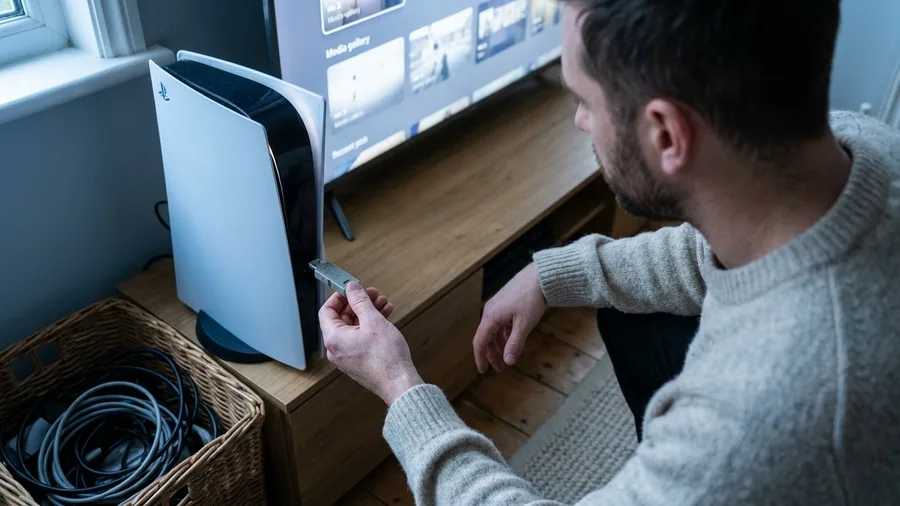
The clips and screenshots you saved and never watched again. On the example console that folder carries roughly 40GB, which is more space than clears when the sports title goes.
Old way: scroll the media gallery, open each clip, delete it, hear the music stop, repeat. That is an evening of tapping. New way: plug in an ordinary USB stick, bulk-copy the whole folder across, then wipe it from the console in one pass.
Copying 40GB to a USB stick is the long part, and a slow stick can take a while.
Each console's own capture and upload settings also push clips off to cloud storage, and the current limits and steps sit on Sony's and Microsoft's support pages.
Copy first, delete second.
💡 Tip: Sort clips by length and delete the 10-second reaction clips first. They are the biggest volume and the least watched.
4. USB drives and discs add no playable space
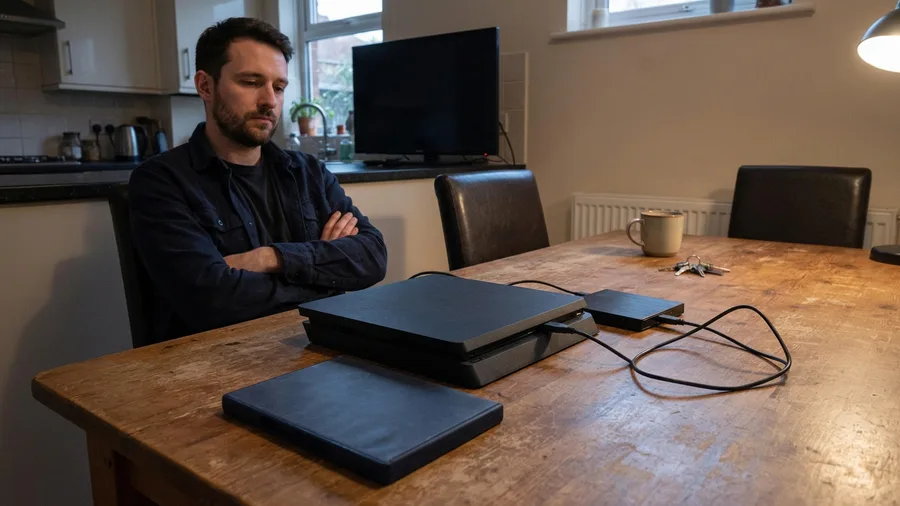
The USB drive and the disc both fail the only test that matters: GTA 6 still has to run from the SSD.
A game parked on a USB stick on PS5 has to be copied back to console storage or an M.2 drive, per TinyFish, and on Xbox Series X|S an ordinary USB drive stores games but cannot play them, per Teltarif.de.
So the by-hand route reads clean, then stalls at a two-hour copy before launch night. The disc route, opened on launch day, reveals a download code in the box (Newegg, October 2026), meaning the entire game lands on the SSD anyway.
By hand: 30 seconds to plug in a USB drive, then hours of copying before play. Disc: one trip to the store, then the same 212GB download you were trying to skip.
⚠️ COMMON MISTAKE
Do not budget for a USB drive
A USB drive buys storage, not playable storage. On both consoles GTA 6 must live on the internal SSD, an M.2 drive on PS5, or an Xbox expansion card. Spend the money once, on the thing that runs the game.
Adding space: PS5 versus Xbox
If the free moves leave you short, the two consoles take completely different paths. PS5 accepts a wide range of M.2 drives and Xbox accepts exactly one type of card, and the price gap between them is bigger than most people expect.
5. PS5 takes any matching M.2; Xbox takes one card
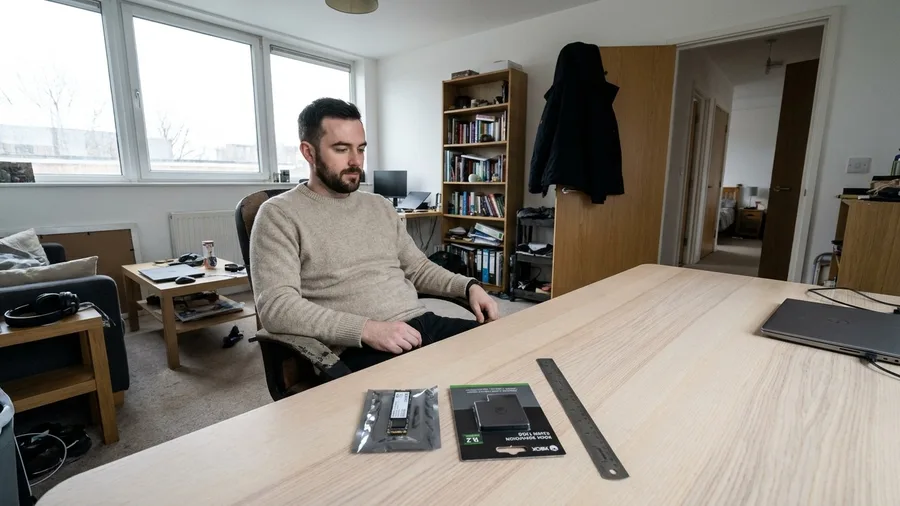
One 1TB drive at $156.25 and one at about $240 are the two prices that matter here.
The first is the Kingston NV3, listed as the lowest price meeting Sony's spec on 10 November 2026. The second is the Xbox Series X|S expansion card.
The card runs roughly $84 more.
What Sony lets you fit: a PCIe Gen4 x4 NVMe M.2 SSD between 250GB and 8TB, with a heatsink on it, and the whole assembly no thicker than 11.25mm and no wider than 25mm (Newegg, October 2026).
That is four lines to check against any drive on a shelf.
Xbox has no list to check. One compatible expansion card, one price, nothing to compare. The PS5 route rewards an hour of shopping across brands and capacities. The Xbox route rewards not shopping at all.
Cost check: $240 for 1TB on Xbox, $156.25 plus a heatsink for 1TB on PS5, and the $84 difference is what the simpler option costs.
Expansion Drives — At a Glance
⚡ Speed floor
5,500MB/s or more, Sony's suggestion
📏 Skip the SN850X 2TB if
Your drive bay sits at the tight end
💾 SN850X 8TB
10.31mm, still fits, and it is the largest capacity the PS5 takes
🎮 Licensed shortcut
Sandisk Optimus GX PRO 850P: PlayStation-branded heatsink, up to 8TB, no measuring
🛡️ That 1TB drive
Rated 600TBW, five-year limited warranty
Fit check
The Seagate FireCuda 530R 2TB measures 11.10mm with its heatsink, just 0.15mm under Sony's ceiling.
6. 1TB costs about $156 on PS5 and $240 on Xbox
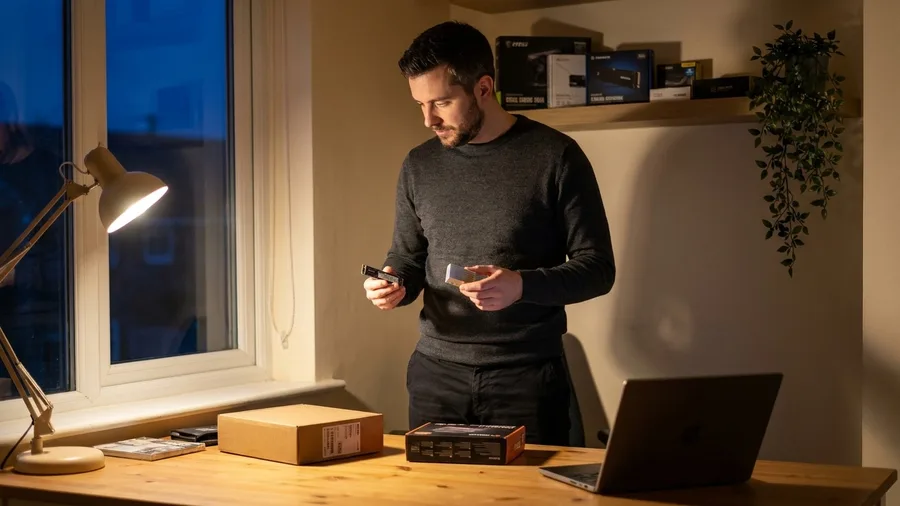
A checklist only turns into a budget once each line has a price against it, and the two consoles end up far apart.
On 10 November 2026, the Kingston NV3 1TB was listing at $156.25. That was the cheapest drive that met Sony's spec, per TinyFish.
The Biwin Black Opal NV7400 1TB came in at $174.99 as the cheapest quick drive, and WD_BLACK's SN850X 1TB sat around $260 with no sink in the box.
Across the aisle, an Xbox expansion card ran about $240 for 1TB. Subtract and the gap is $83.75.
The budget PS5 drives arrive as bare sticks, so cooling is a separate line on the receipt. Whatever a sink adds, the PS5 total still opens under the card at these prices.
7. The PS5's speed floor is where budget drives fail
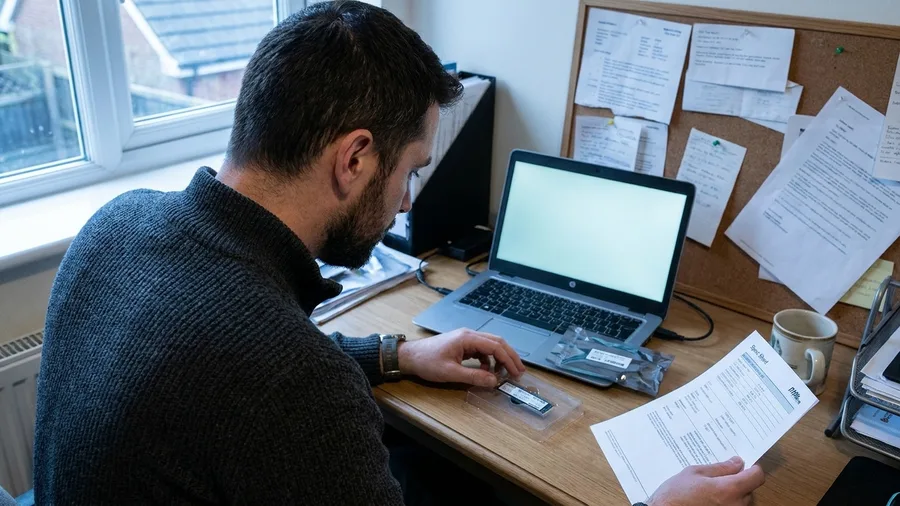
Comparing spec sheets line by line is the tedious part of buying a PS5 drive, and it is exactly where the budget options quietly drop out. Sony suggests sequential reads of 5,500MB/s or more for a PS5 expansion drive.
The console does not support Host Memory Buffer, and Sony warns DRAM-less drives may perform slower than expected, per TinyFish. Check the DRAM cache before clicking buy, not the capacity.
A Gen 5 drive buys nothing extra, because the PS5's expansion slot runs at PCIe 4.0 speeds, per Kingston.
The Xbox card has no speed tier to choose at all, so this filter applies only to PS5 buyers.
The payoff is one spec line to verify: 5,500MB/s and a DRAM cache.
8. The heatsink decides whether the PS5 drive fits
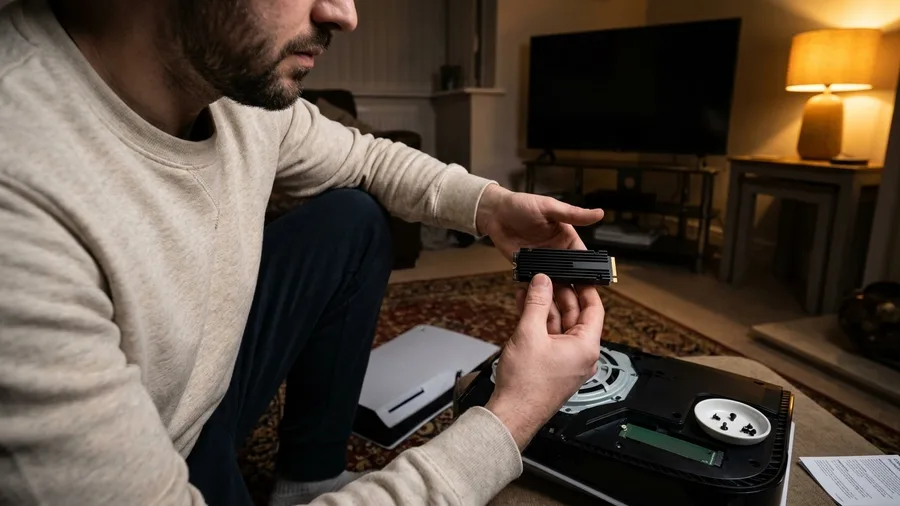
Prompt to copy
Act as a PC hardware buyer checking a PS5 M.2 drive against Sony's physical limits. Here are the drive's specs: [paste capacity, interface, sequential read speed, DRAM cache, heatsink included or bare, and the height and width in millimeters with the heatsink fitted]. Tell me in five lines: does it meet PCIe Gen4 x4 NVMe, capacity between 250GB and 8TB, and the 25mm wide by 11.25mm thick ceiling on the whole assembly; does it reach 5,500MB/s; and does it list a DRAM cache. Flag any spec missing from the sheet rather than assuming it. No prices, no recommendations of other drives." Then paste your shortlist specifications into ChatGPT, Claude or Gemini and you get a pass or fail line per spec in seconds. The review is yours: check each flagged gap against the seller's own listing before you trust it.
Step 1 – measure the ceiling: Sony's limit covers the whole assembly, heatsink included, at no more than 25mm wide and 11.25mm thick, per Newegg. Any taller drive simply does not go in, however fast it reads.
Step 2 – match the part: the WD_BLACK SN850X 2TB sits at 8.80mm with its heatsink and the SN850X 8TB at 10.31mm, which is also the largest capacity the PS5 accepts. The Seagate FireCuda 530R 2TB comes in at 11.10mm, just under the 11.25mm line.
Step 3 – pick the guaranteed fit: if measuring is the worry, the Sandisk Optimus GX PRO 850P is officially licensed for PS5 and PS5 Pro, with an integrated PlayStation-branded heatsink, capacities up to 8TB, and the 1TB model rated 600TBW with a five-year limited warranty.
The Xbox card slots in with nothing to measure, which is the argument for its premium.
💡 Tip: Keep the original PS5 slot cover screw in a small dish. It is the one part people lose mid-install.
💡 PRO TIP
Format before you reinstall anything
After fitting a new drive, open the console's storage settings and format it there first. The console walks you through it, and games installed before formatting will not be seen.
Sizing it and living with it
Buying the right capacity matters more than buying the right brand. Your console model and the months after launch decide whether 1TB is generous or barely enough.
Storage Specs, Decoded
9. Your console model sets the shortfall
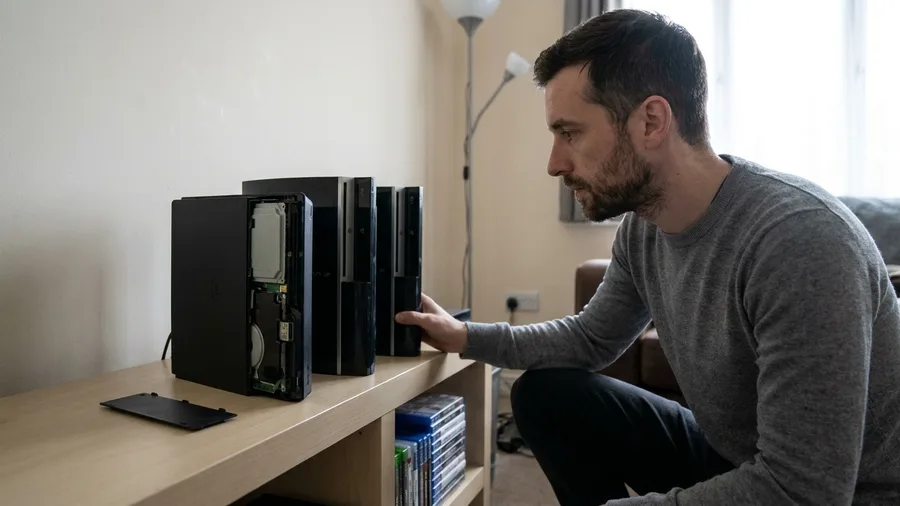
Model matters less than the drive you buy, and more than you would guess. All three PS5 versions expand the same way with a compatible M.2 drive, according to Kingston in April 2026.
The original PS5 holds 825GB, the Slim has 1TB and the Pro has 2TB.
The example machine behind the 152GB figure is a PS5 Slim, so that number belongs to the Slim alone. A launch PS5 sitting at the same 60GB free is further behind. A Pro with 60GB free is closer to ready.
On Xbox the model changes nothing on the shopping list. A Series X and a Series S take the same expansion card, so the only question is how much you delete before spending.
Read the free-space figure in your own storage settings. If it clears 212GB, you are fine. If it does not, the PS5 shortfall depends on which of the three machines you own.
10. Leave headroom for everything after launch

Landing exactly on 212GB leaves you with no room for the first patch. Updates and add-on content install on top of the base game, and the game's own support pages are where post-launch sizes will appear.
No patch size is confirmed, so none is stated here.
That is the argument for 1TB over the smallest drive that fits. Rockstar's 212GB is a pre-install free-space check, reported by Gadgets 360 in November 2026, not the game's final footprint.
The arithmetic makes it plain. A 250GB drive meets Sony's minimum spec and still leaves nothing spare once GTA 6 and one update are on it.
The $156.25 Kingston NV3 1TB covers the same install with about 750GB of headroom for updates and the next big game.
The cost of the wrong size: a $156 drive that fills on day one, then a second purchase later. Buying the 1TB first is the cheaper evening.
Buy Now or Delete Now
Do the free moves first
- Read the free-space figure and subtract it from 212GB
- Copy the 40GB captures folder to USB, verify, then wipe it
- Delete the 95GB and 60GB games you have finished
- Confirm cloud saves are on before deleting anything
Skip these
- Buying a USB drive to hold GTA 6
- Buying the disc expecting no install
- Buying a 250GB drive to save $40
- Buying a Gen 5 drive for a Gen 4 slot
11. Do the moves in this order

Do not buy anything until the console tells you it is short. A drive ordered before the free-space check can sit in its box while two deleted games free more space than it adds.
The order holds on both consoles: measure, clear for free, then spend.
Prompt to copy
Act as a storage planner for my game console. My console is [PS5 model or Xbox model]. My storage settings show [number]GB free. GTA 6 needs 212GB available before install. List, in order, what to do tonight: the free-space shortfall, then free moves I can make before spending any money, then what to buy only if those are not enough. Keep it under 250 words, put the steps in order, and give the shortfall as a single number.
Paste this into ChatGPT, Claude or Gemini. The reply lands in seconds and comes back as a three-step plan with your shortfall at the top.
Check the arithmetic before acting. Chatbots frequently miscount the subtraction, so redo it yourself. On the example PS5 Slim, 40GB of clips plus the 95GB open-world game and 60GB sports title frees 195GB against a 152GB gap, and the fourth paragraph is false.
Read the first figure from the console, not from the reply.
An evening spent in that order costs nothing when the free moves cover the gap. When they do not, the purchase is already sized to the machine.
🌱 GROWING TIP
Check one thing after the download
Once GTA 6 finishes installing, return to storage settings and confirm the game landed on the drive you intended. A default install location can quietly put it on the wrong one.
Frequently Asked Questions
Is 212GB the download size or the free space needed?
It is available storage the console needs free before the install starts, per Rockstar via Gadgets 360 in November 2026. Subtract the free figure your console reports from 212GB to get your own shortfall.
Can I run GTA 6 from a USB drive?
No. On PS5 a USB drive stores games but they must copy back to internal storage or an M.2 SSD to play. On Xbox Series X|S games need the internal SSD or an expansion card to run.
Does the physical edition save space?
No. The box contains a download code, so the whole game installs to the SSD anyway, according to Newegg in October 2026. The disc does not hold the game files.
Do I need a Gen 5 SSD for the PS5?
No, and it will not help. The PS5 expansion slot runs at PCIe 4.0 speeds, per Kingston in April 2026, so a Gen 5 drive performs the same as a Gen 4 one inside the console.
Which is cheaper, expanding a PS5 or an Xbox?
PS5 at these prices. A Kingston NV3 1TB was $156.25 on 10 November 2026, and an Xbox expansion card started at about $240 for 1TB. That is roughly $84 apart.
Will a 1TB drive be enough after launch?
For most players, yes. 212GB leaves room on 1TB for the base game and the first big update. A 250GB drive meets Sony's minimum spec and leaves nothing spare.
Your shortfall number decides the whole purchase
Thirty gigabytes short? Move the captures folder tonight and buy nothing. The free moves close small gaps in under an hour.
PS5 owner who wants GTA 6 plus room for the next two big games? Buy a 1TB M.2 with a heatsink at the $156 to $175 end, or the licensed Sandisk Optimus GX PRO 850P if guaranteed fit matters more than price.
Xbox owner? The card is the only paid route you have at about $240 for 1TB, so compare that against how much you are genuinely willing to delete. And whatever the console, do one thing first: read the free-space figure and subtract it from 212.