
Two freelancers with the same client invoice and the same broken Python script pick different tabs to open first. One has a clean table and a patched script by 10 a.m.; the other re-prompts four times and still fixes columns by hand.
I'm a freelance tech writer in Austin. Over two evenings in June 2025, on a 2023 MacBook Air, I kept three free web tabs open – Claude, ChatGPT, Gemini – and fed each the same eight prompts, same text, no custom instructions, no follow-up prompts, scoring only the first answer pass or fail. Total spent: $0.
This wasn't a demo contest. If you already have one assistant open and you're deciding whether to switch or add another, these were eight real freelance tasks: a 120-word product blurb, a 90-word client follow-up email, a 30-line Python debug, a two-table SQL join, a 14-row table pulled from a 12-page invoice PDF, that PDF's summary, a 3-day Chicago trip for two under $900, and an OAuth explainer.
No assistant won everywhere. Claude finished 7/8 overall, ChatGPT 5/8, Gemini 4/8 – and the leader flips depending on the task group. By the end of this you'll know which tab to open first for code and data, for writing and email, and for research and planning, then start on the free tiers and test your own two most common prompts before you pay for anything.
| Task group | Tasks | Claude | ChatGPT | Gemini | What it means |
|---|---|---|---|---|---|
| Code & data | Debug Python, two-table SQL join, extract 14-row table from invoice PDF | 3/3 | 2/3 | 1/3 | Claude is the first pick for messy files and code. |
| Writing & email | 120-word product blurb, 90-word client follow-up email | 1/2 | 2/2 | 1/2 | ChatGPT is the better first pick for email and copy. |
| Research & planning | Summarize 12-page PDF, plan Chicago trip under $900, explain OAuth | 3/3 | 1/3 | 2/3 | Claude holds; Gemini is the runner-up for PDFs and trips. |
1. Code and data: Claude sweeps all three tasks

The Python script was a real mess: 30 lines, an off-by-one in a loop index, and a variable shadowed two functions down. I pasted it cold into all three tabs.
Claude found the shadowed variable and the loop bound in one answer, with a corrected script that ran on the first paste. ChatGPT got there too, just with a clunkier diff. Gemini told me the code "looked mostly fine" and suggested adding print statements.
Then the two-table SQL join: orders and customers, a LEFT JOIN most people fumble. Claude and ChatGPT both returned clean, runnable queries; Gemini's version joined on the wrong key and would have returned duplicate rows silently.
The invoice was where the group separated. Twelve pages, a 14-row table of line items with columns that wrapped across page breaks. I needed every row out, exactly.
Claude returned all 14 rows with the totals matching. ChatGPT dropped two rows from the second page and merged a third. Gemini handed back a prose summary of the table instead of the table.
First-answer score for the code and data group: Claude 3/3, ChatGPT 2/3, Gemini 1/3. No re-prompts, no follow-ups, no cleaning up after them.
If your work is pasting in half-broken scripts, joining tables, or pulling structured data out of ugly PDFs, that gap is the whole decision. Open Claude first for code and data.
A missed first answer costs you the cleanup: re-reading a dropped row, re-running a query, or pasting the same file into a second tab. If your questions are one-off curiosities, the gap matters less.
💡 Tip: When you paste an invoice PDF, ask for the table as CSV with no commentary. All three assistants do better when you name the output format.
⚠️ COMMON MISTAKE
Don't judge by the first screen
ChatGPT's invoice-table extraction looked good until I scrolled down and saw two missing rows. Always check the row count against the source before you trust a table.
2. Writing and email: ChatGPT wins by one prompt
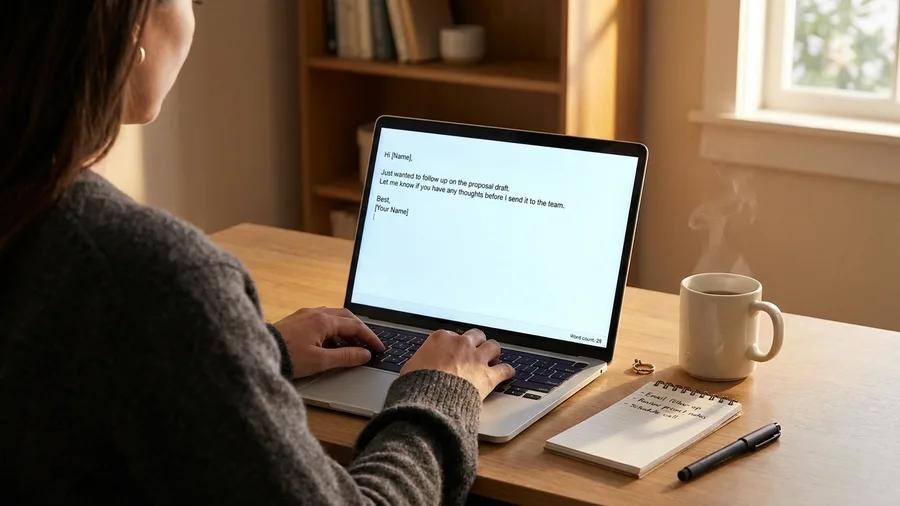
Product copy and client emails are the one place the first-answer winner flips, and it flips by a single prompt.
I asked for a 120-word product blurb for a pair of noise-cancelling headphones, then a 90-word follow-up email to a client who had gone quiet after a proposal. Same rule as everything else: first answer, no follow-ups, no edits from me before scoring.
ChatGPT passed both. The blurb came in at 118 words with a usable hook, and the follow-up landed at 91 words, warm without being needy. Claude nailed the blurb at 124 words but the email ran to 160, padded with phrases I would have cut. Gemini wrote a decent email but the blurb came back generic and over the limit.
Writing score: ChatGPT 2/2, Claude 1/2, Gemini 1/2. This is the group where ChatGPT is the better first pick.
That one miss does not erase Claude's lead elsewhere. If emails and product copy are your daily work, open ChatGPT first for them. If writing is occasional, one missed email is not reason enough to abandon the assistant that won code and data.
💡 Tip: For short emails, tell the assistant the exact word count and the relationship (e.g., "casual client, known for two years"). ChatGPT respects the constraint; Claude tends to add extra context.
3. Research and planning: Claude holds, Gemini is runner-up
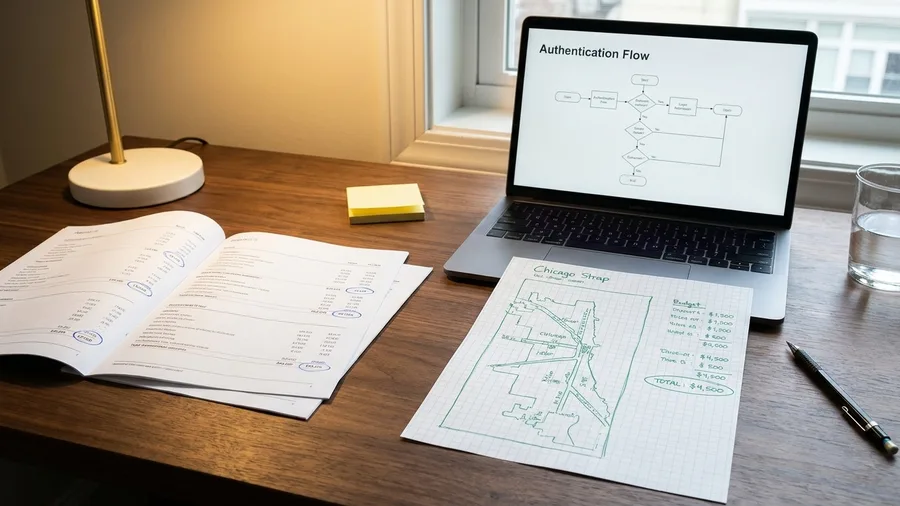
Research is where Gemini finally earns a place in the lineup, and where it also shows its ceiling.
I gave all three the same 12-page PDF to summarize, a three-day Chicago trip for two under $900, and a plain-English OAuth explainer. First answers only, scored pass or fail.
Claude passed all three. The PDF summary pulled the right numbers, the Chicago plan landed at $860 with a real breakdown by day, and the OAuth explainer used the restaurant-valet analogy without tripping over the jargon.
Gemini passed the PDF summary and the itinerary at $905, close enough to count. Then it missed OAuth, describing tokens as "secure keys" without ever explaining what gets exchanged.
ChatGPT passed only the PDF summary. It blew the Chicago budget by recommending a $340 hotel night, and its OAuth answer drifted into abstract protocol talk with no working analogy.
Research and planning score: Claude 3/3, Gemini 2/3, ChatGPT 1/3. Overall across all eight prompts: Claude 7/8, ChatGPT 5/8, Gemini 4/8.
Gemini is the targeted runner-up: open it first for a PDF summary or a Chicago-style budget trip. For a mixed research queue, Claude is the safer default. ChatGPT is not first here.
💡 Tip: For trip planning, give a hard budget and ask for a line-item breakdown. Gemini is good at this; Claude is better at explaining the trade-offs.
Frequently Asked Questions
Did you use the paid versions of Claude, ChatGPT, or Gemini?
No. I used the free web tiers as of June 2025, with no custom instructions or plugins. Paid tiers may perform differently, especially on longer files, but the free tiers are what most people start with.
How did you score the tasks?
Each task was pass or fail on the first answer. I did not re-prompt or correct. A pass meant the answer was usable without manual fixes. A fail meant missing rows, wrong word count, factual errors, or jargon that needed a second explanation.
Why did you pick those eight tasks?
They're the tasks I actually do as a freelance tech writer: writing copy, sending client emails, debugging scripts, joining tables, extracting data from PDFs, planning trips, and explaining technical concepts. They cover the three main use cases: code, writing, and research.
Can I trust one test run to pick an assistant?
No. One run is a snapshot. But the pattern was consistent enough to be useful: Claude led on code and data, ChatGPT on writing, and Gemini on PDFs and budget planning. Run your own two most common prompts before you pay for anything.
What about privacy and data handling?
All three have similar free-tier policies: they may use your inputs to improve models unless you opt out. For client work, check the settings and avoid pasting sensitive data into any free tier.
The assistant to open first depends on the file in front of you
7/8 first-answer passes and the steadiest hand across all three groups. Open ChatGPT first for writing and client email: 2/2, the only clean sweep in the writing group. Reach for Gemini when the job is a long PDF summary or a tight budget itinerary, where it scored 2/3 in research and planning.
Same 2023 MacBook Air, same two June 2025 evenings, same three free tabs, still $0 paid. What changed is that I now know which window to click before I paste anything in.
Keep all three on the free tier and send your own two most common prompts through each, scored pass or fail on the first answer. My scoreboard settles my default; yours settles yours. The winner for your work is simply the one that gets the file you paste in right the first time.
Run your own two-prompt test before you pay
Open all three free tiers, paste in your two most common tasks, and score the first answer. That ten-minute test will tell you more than any review.